
Best for AI Image & Video Creation
Best for
Create AI images, videos, characters, audio and stories with 100+ models, plus powerful editing tools in one creative studio.
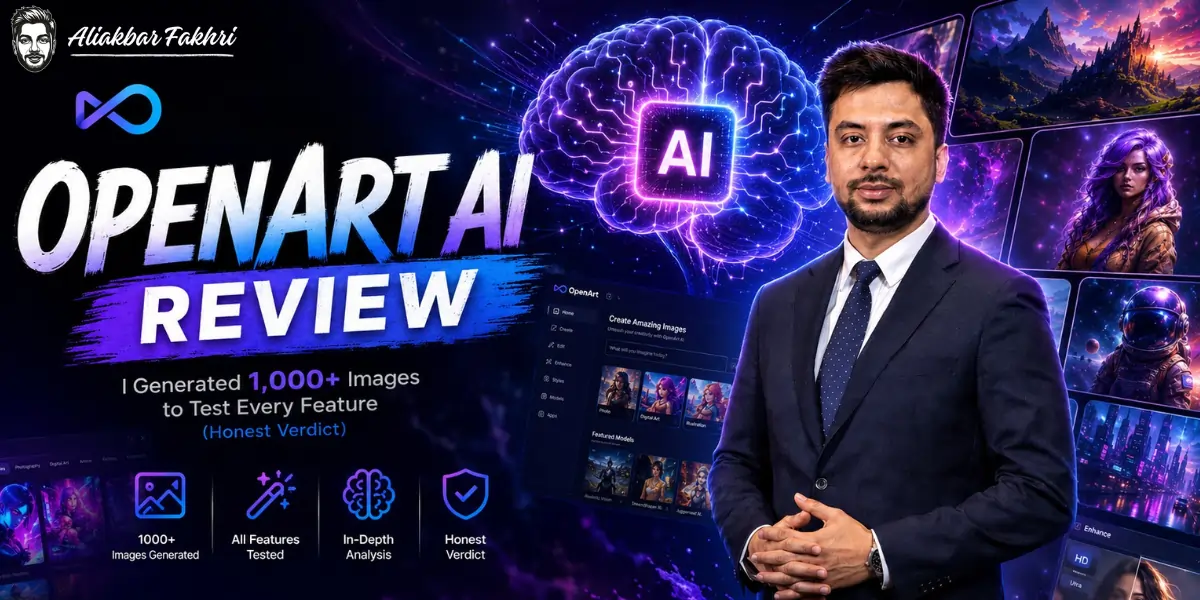
OpenArt has survived on that desk for about 12 months. Most tools do not survive three.
This review is the full accounting. Over a thousand generated images, hundreds of videos, real invoices, and the specific moments where OpenArt annoyed me enough to open a competitor’s tab.
If you want a rewritten features page, there are fifty of those on Google already. This is not one of them.
✅ Bottom Line Up Front
OpenArt is the best value AI creator studio you can buy in 2026, and I recommend it as my number one.
One subscription gets you 100+ premium image, video, and audio models, consistent characters that actually stay consistent, a chat driven video Director, a full editing suite, and MCP support for agent workflows.
It ships new features faster than any creative tool I track. And it costs less per output than running the same workloads on most rivals, including Higgsfield.
It is not perfect. Video credits burn fast. Model quality varies because you are accessing a hundred different models, not one polished house model. And at heavy volume I sometimes route around it with direct API access for specific models. All of that is covered honestly below.
But here is the test that matters. After a year of daily production use, with every competitor freely available to me, my team still opens OpenArt first.
What OpenArt Actually Is?
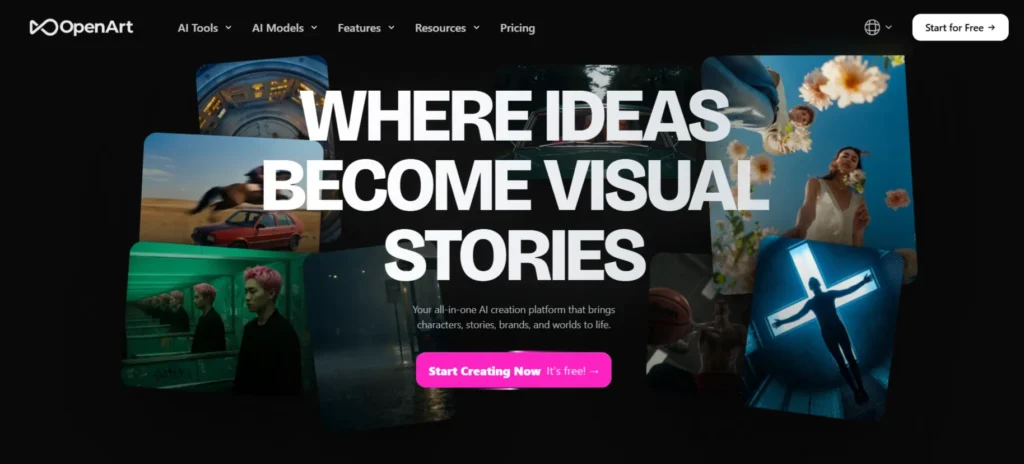
Most people still think OpenArt is another AI image generator. That description is about two years out of date.
OpenArt today is a creator studio. One interface, one credit balance, and behind it more than 100 premium image, video, and audio models. Seedream. Nano Banana. Veo. Kling. Flux class models. The list updates faster than anyone’s blog posts do, which tells you something about the team.
The pitch is simple. Instead of paying Midjourney for images, a video platform for clips, and juggling six subscriptions and six credit systems, you pay once and pick the right model per job inside one workspace.
But the models are honestly not the moat. Everyone is racing to aggregate models now. The moat is the tooling wrapped around them:
That combination is why it replaced a stack of tools for us rather than joining the stack.
The Hands-On Part: 1,000+ Images Later.
Numbers first, because evidence beats hype.
Our AFFiNCO pipeline has pushed well over a thousand images through OpenArt this year. Thumbnails, ad creatives, blog headers, character content for client campaigns, product shots, and app assets. Plus hundreds of video generations since Director matured.
What twelve months of production taught me:
Consistent Characters: The Feature That Pays Rent
If you produce branded or serialized content, this section is the review.
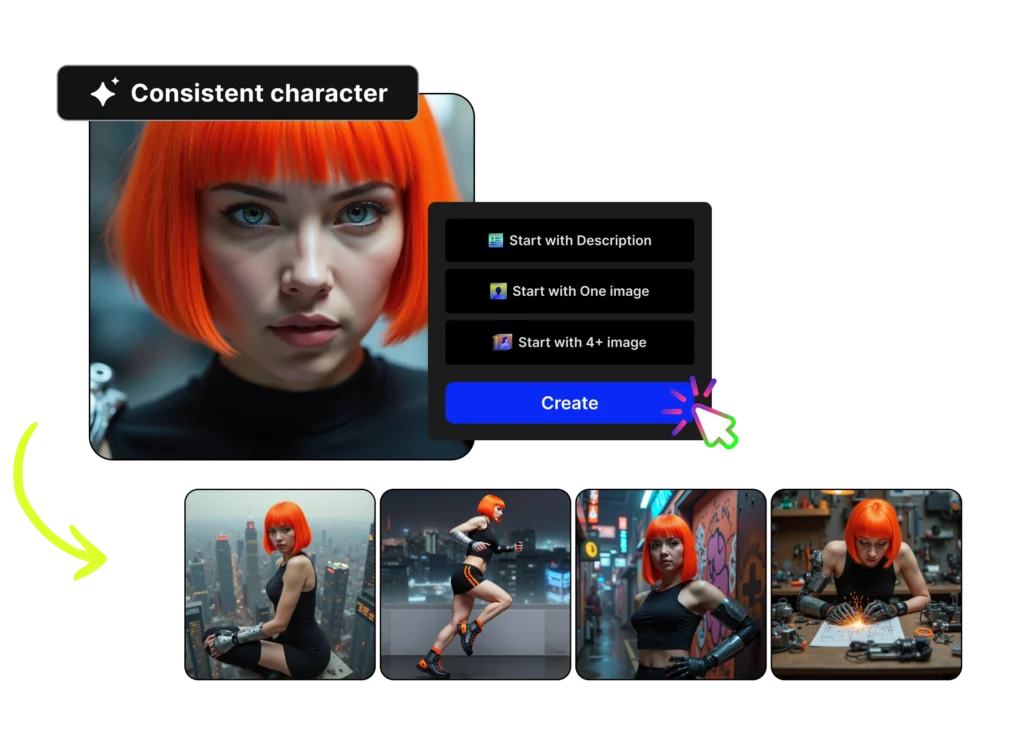
The oldest problem in AI imagery is that your character changes face between generations. Fine for one off art. Fatal for brands, stories, AI influencers, and any campaign where the same person must appear fifty times.
OpenArt’s character system fixes this properly. Create a character once, from prompts or reference photos. Then reuse them across any model, any scene, any style. The face holds. The identity holds.
We use this for client campaigns in the creator and AI influencer space, and it is the difference between “AI experiment” and “deliverable asset.”
Plan limits matter here: roughly 13 consistent characters on Essential, 40 on Advanced, 80 on Infinite. Heavy character work is the main reason we sit on the higher tiers.
Director: Simple English In, Directed Video Out
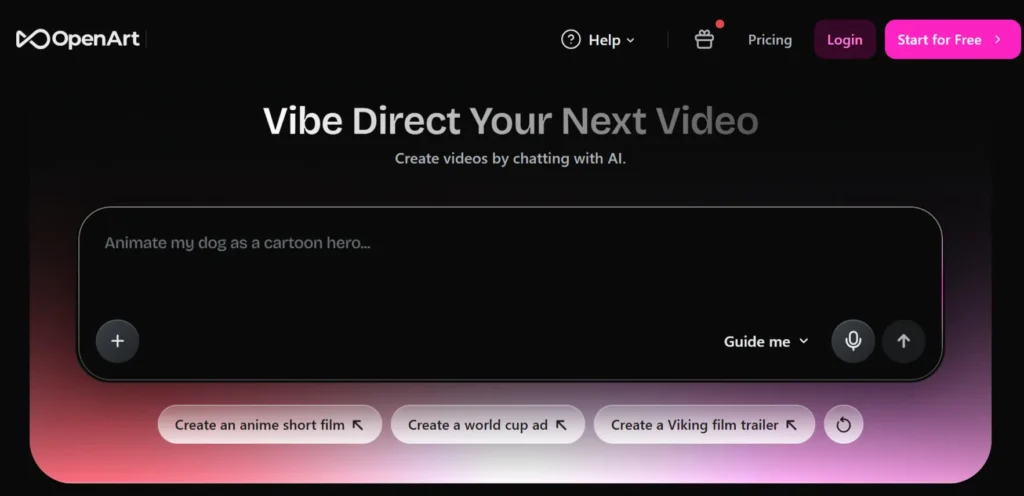
Director is the newest reason OpenArt is winning, and the reason I moved more video work into it this year.
You create videos by chatting. Type what you want in plain English. An anime short. A product ad. A UGC style clip. A film trailer. Director plans the scenes, keeps your characters consistent, picks from top video models like Veo and Kling under the hood, and assembles the thing. Motion sync, lip sync, and the editing tools are all in the same pipeline.

|
Author Testimonial
“I have used most of the serious AI video platforms, and I still use Higgsfield for specific cinematic work. But for the everyday video volume a content business actually needs (ads, social clips, explainers, story content), Director gets to a usable result faster and cheaper than anything else I have tested. No timeline editor learning curve. No stitching outputs from three tools.”
Aliakbar Fakhri · AFFiNCO
|
One-Click Story deserves its own mention. One prompt becomes a full multi scene story with consistent characters.
My first reaction was that it felt like a gimmick. Then I watched it produce a week of serialized social content in an afternoon. It is not a gimmick.
MCP and Agent Workflows
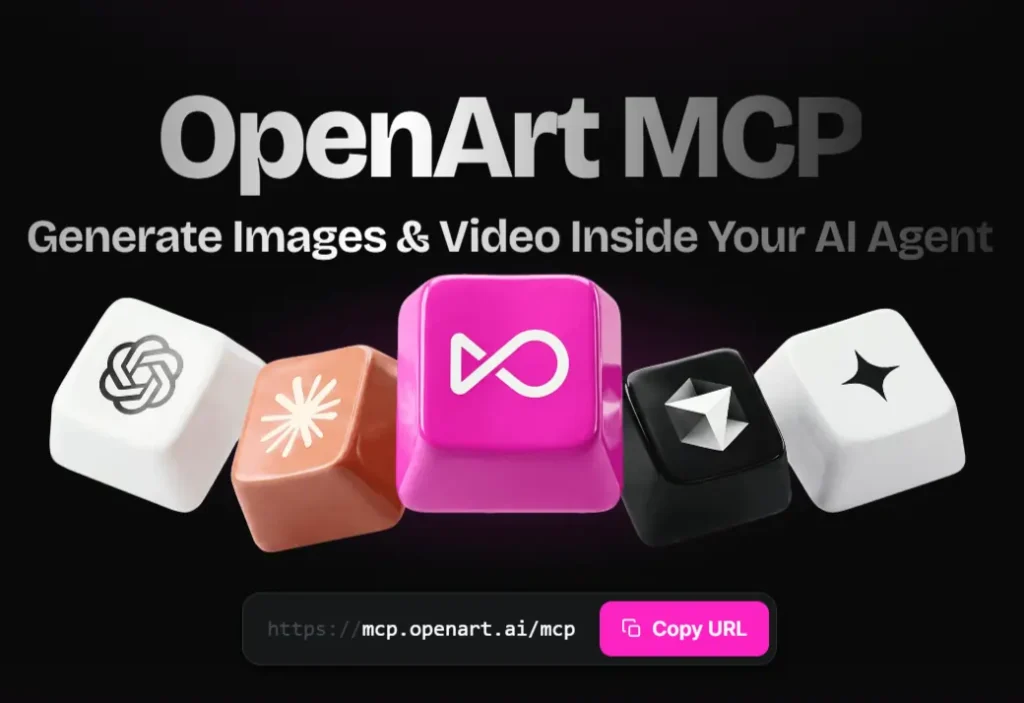
This is the part no other review will tell you about, because most reviewers do not run automation businesses.
OpenArt ships an MCP. That means Claude, Cursor, and any MCP compatible agent can generate images and video through your OpenArt account directly.
We wire this into content pipelines: an agent researches a topic, drafts the content, and generates the imagery, all in one automated flow.
If you have read my Firecrawl lead generation playbook, this is the same philosophy applied to creative. The tools that win the next few years are the ones your agents can operate without you.
Very few creative platforms take this seriously yet. OpenArt does. That earns real weight in my verdict.
OpenArt Pricing: The Real Math
Verified from their pricing page this month:
| Plan | Monthly | Annual (per month) | Credits per Month | What That Buys |
|---|---|---|---|---|
| Essential | $14 | $12.60 (10% off) | 4,000 | ~4,000 images, ~50 videos, 13 characters |
| Advanced | $29 | $23.20 (20% off) | 12,000 | ~12,000 images, ~150 videos, commercial rights |
| Infinite ⭐ | $56 | $43.70 (22% off) | 24,000 | ~24,000 images, ~300 videos, unlimited Seedream 5.0 Pro & Nano Banana 2 Lite |
| Wonder | $240 | $175.20 (27% off) | 106,000 | ~106,000 images, ~1,300 videos, unlimited premium models |
Read that table against any competitor and the value is obvious. Roughly $0.003 per image on Essential. Video working out around $0.25 to $0.28 per clip on the mid tiers.
The Infinite plan’s unlimited generation on two workhorse models is the sleeper deal, because unlimited on your daily driver model changes how freely your team creates.
Against Higgsfield specifically, since I pay for both: OpenArt is cheaper for us. Credits go further. The same monthly spend produces more finished assets.
Higgsfield keeps a place in my stack for certain cinematic outputs, but for volume production OpenArt wins the invoice comparison, and it is not particularly close.
Two notes before you pick a plan. Commercial use rights start at Advanced, so creators earning from outputs should skip Essential. And go annual once you know you will stay. The 20 to 27% discount is real money at these volumes.
What I Do Not Like (Read This Before Buying)
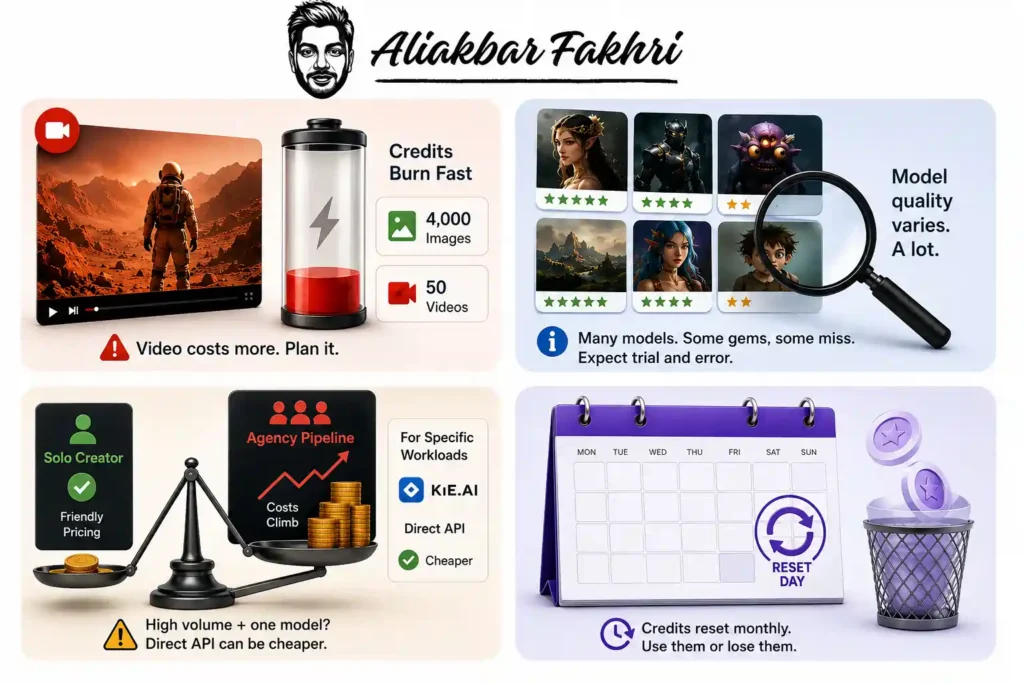
An honest review earns its recommendation in this section. Four real complaints from a year of invoices.
None of these four moved me off the platform. All four are things I wish someone had told me in month one.
OpenArt vs Midjourney vs Higgsfield
| Tools | OpenArt | Midjourney | Higgsfield |
|---|---|---|---|
| Models | 100+ (image, video, audio) | One house model | Curated video focused set |
| Image quality ceiling | Very high (model dependent) | Very high, distinctive style | High |
| Video | Full Director suite, Veo/Kling | Limited | Excellent, cinematic strength |
| Consistent characters | Best in class | Improving, weaker | Good |
| Editing suite | Full, built in | Basic | Partial |
| Agent/MCP support | Yes | No | Partial |
| Starting price | $14/mo (annual $12.60) | $10/mo | Higher effective cost per output |
| Best for | Volume creators, teams, automation | Art purists, single style lovers | Cinematic video specialists |
My honest routing after a year: OpenArt for 80% of everything. Higgsfield for select cinematic video. Midjourney only if you are in love with its specific aesthetic and never need video, characters, or automation.
FAQ’s Related to OpenArt AI
Is OpenArt AI worth it in 2026?
Yes, for creators and teams producing at volume. One subscription covering 100+ models, consistent characters, video Director, and editing tools costs less than assembling the same capability from separate tools. My team has run it in production for about a year.
How much does OpenArt cost?
Plans run from $14/month (Essential, 4,000 credits) to $240/month (Wonder, 106,000 credits). Annual billing saves 10% to 27%. Free trial credits are included on signup.
Does OpenArt allow commercial use?
Commercial use rights are included from the Advanced plan ($29/month) upward. If you earn from your outputs, start there, not at Essential.
Is OpenArt better than Midjourney?
Different games. Midjourney is one excellent model. OpenArt is a full studio with 100+ models, video, consistent characters, and automation support. For working creators and marketers, I pick OpenArt. For single style art purists, Midjourney still has a case.
What is OpenArt Director?
A chat driven video creation tool inside OpenArt. You describe the video in plain English (an ad, a trailer, a UGC clip) and Director plans scenes, keeps characters consistent, and generates using top video models like Veo and Kling.
Final Verdict
A year is a long time in AI. Tools I loved last January are dead or irrelevant now. The pace of this industry executes the weak monthly.
OpenArt survived the year on my desk by doing the unglamorous things right. Ship fast. Aggregate the best models instead of worshipping one. Build the tooling (characters, Director, editing, MCP) that turns generations into deliverables. Price it so a working creator can actually afford volume.
It burns credits too fast on video. Its model buffet needs curation. And at extreme volume I still sneak out to direct APIs for narrow jobs. I told you all of that because a review that hides the invoices is an advertisement.
But the verdict is the usage. Over a thousand images. Hundreds of videos. Client work shipped. And every morning, my team still opens OpenArt first. That is the only endorsement I know how to give honestly.
Affiliate Disclosure: This post may contain some affiliate links, which means we may receive a commission if you purchase something that we recommend at no additional cost for you (none whatsoever!)
Similar Posts


About the author:
Aliakbar Fakhri
Founder & CEO of AFFiNCO
I’m Ali, Founder of AFFiNCO, with 15+ years in SEO, paid ads and affiliate marketing.
I run 65+ sites of my own, so every strategy on this blog was tested on my money before it reached you. No guru fluff. Just what actually works.