
PopAI Sheets Review 2026: AI Spreadsheet Features Tested

By :
Ali
August 10, 2026
Best for AI Spreadsheet Automation
Best for
Turn documents and raw data into clean spreadsheets, formulas, tables, and reports using AI, without spending hours on manual Excel work.


I have spent years living inside spreadsheets, and I tested PopAI Sheets properly before writing this. If you work with data, formulas, and business reports, this one is worth your attention.
Spreadsheets never went away. They just got smarter.
For most of my career, a spreadsheet meant one thing: you knew the formulas, or you did not. VLOOKUP, INDEX-MATCH, nested IFs, pivot tables. If you could not write them, the data stayed messy and the report never got built.
Then AI arrived in the spreadsheet. Google Sheets now has native Gemini baked in, and it genuinely helps. But here is what I found after testing the field: the built-in AI is fine for quick tasks, and something purpose-built for business data goes much further.
That purpose-built tool, in my testing, is PopAI Sheets.
This is my in-depth review. What it is, what it actually does, how it compares to the AI already in Google Sheets, the honest pros and cons, and whether it deserves a place in your workflow. Let us dig in.
⚡ Quick Verdict on PopAI Sheets
PopAI Sheets is one of the best AI spreadsheet tools in 2026 for anyone who wants to turn plain English into complex formulas, extract data automatically, and generate business reports fast. You upload files or search the web in natural language, and it processes, structures, and analyzes the data into spreadsheets and reports.
It comes from PopAI, an AI productivity platform with 16M+ users, and it taps multiple top AI models. For business-focused spreadsheet work, it goes well beyond a generic AI assistant.

What Is PopAI (and PopAI Sheets)?
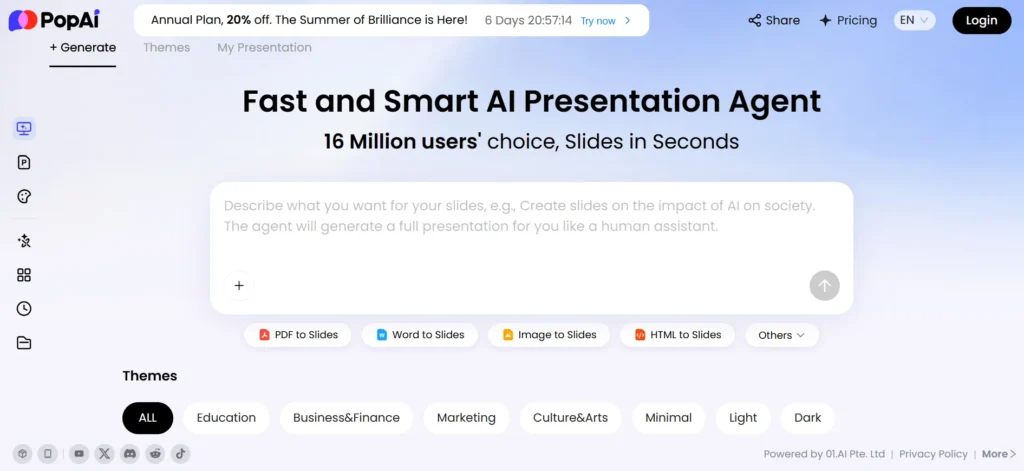
Let me set the context, because PopAI is bigger than one tool.
PopAI is an all-in-one AI productivity workspace with more than 16 million users. It started as an AI presentation platform, and that heritage matters: the company already knows how to turn messy inputs into polished, professional business output at scale.
Today PopAI is a suite. The lineup includes an AI Presentation Maker and AI PowerPoint generator, ChatPDF for document analysis, an AI image generator, AI writing tools, and the one I want to focus on: PopAI Sheets, its AI spreadsheet.
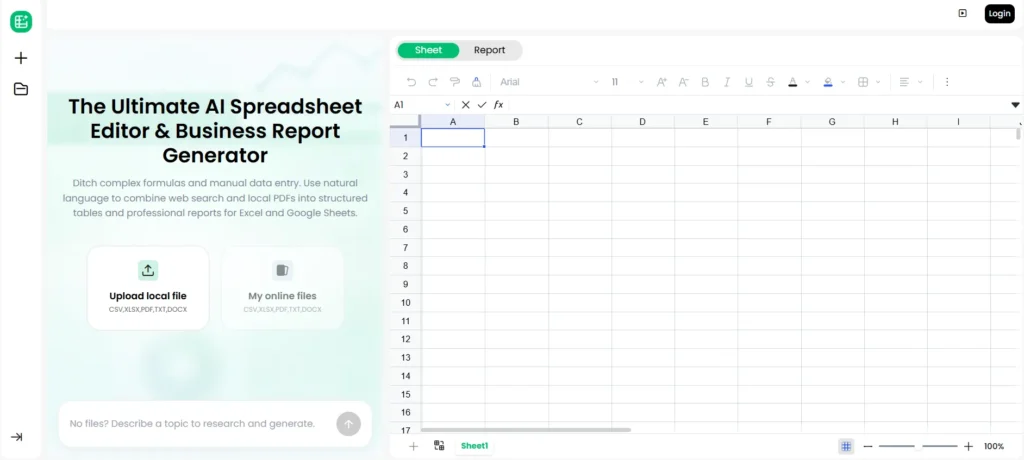
PopAI Sheets is the product I now reach for when a client needs data cleaned, analyzed, and turned into a report without me hand-writing every formula.
Here is the simplest way to describe it. PopAI Sheets is a spreadsheet where you talk in plain English and the AI does the spreadsheet work. You do not need to remember formula syntax. You describe the outcome, and it builds it.
🚀 See PopAI Sheets Yourself
The fastest way to understand PopAI Sheets is to try it. You can start free and test it on your own data before paying anything.
What Makes PopAI Sheets Different
A normal AI spreadsheet assistant answers questions. PopAI Sheets does the work end to end. These are the capabilities that stood out to me.
Natural Language to Complex Formulas
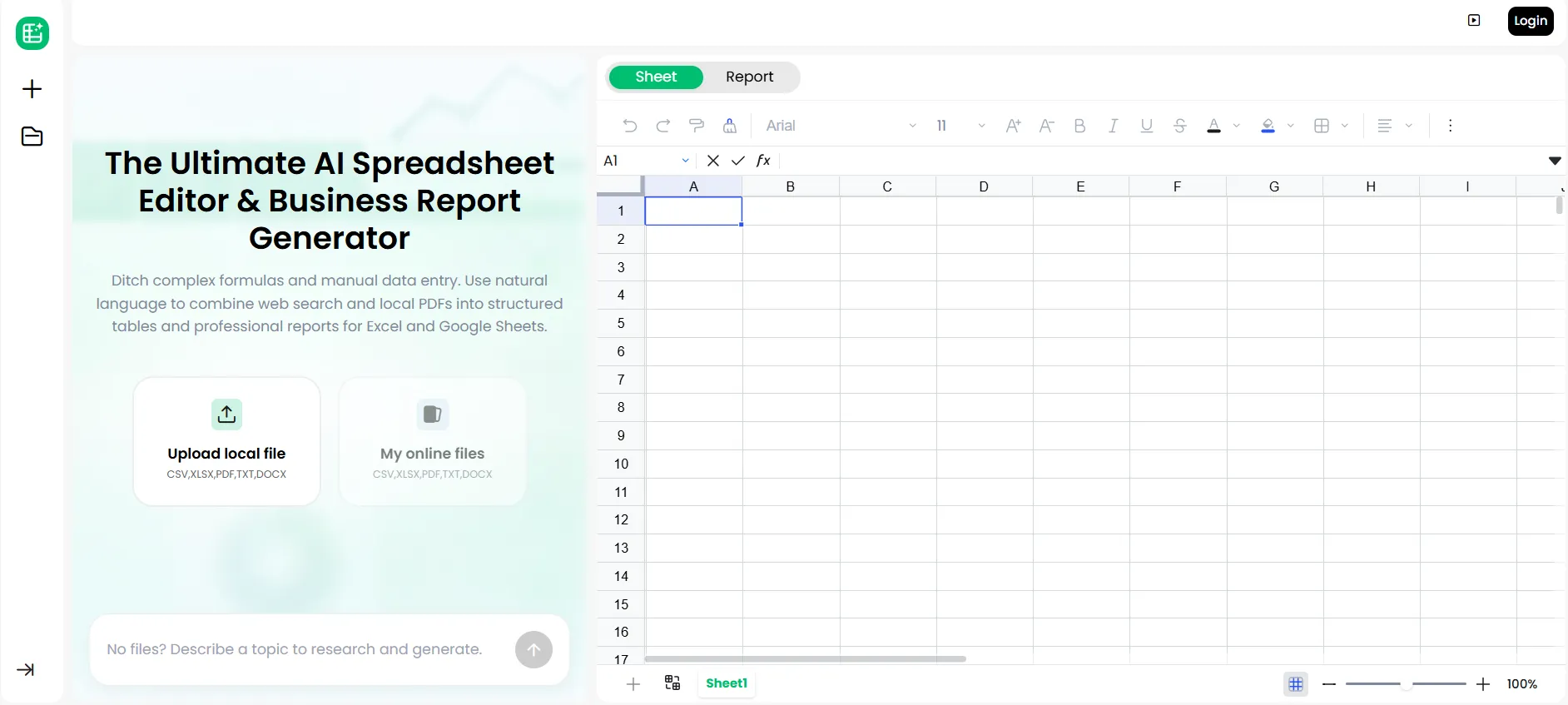
This is the headline. You type what you want in plain English, and PopAI Sheets writes the formula.
“Calculate the month-over-month growth for each product.” “Flag every customer who spent over $500 and lives in the EU.” “Build a running total by region.” You describe it, it builds the formula and applies it.
No CSS-style syntax, no memorizing function names, no debugging a broken nested IF. For anyone who thinks in business questions rather than spreadsheet functions, this alone changes the game.
Upload Files or Search the Web in Plain English
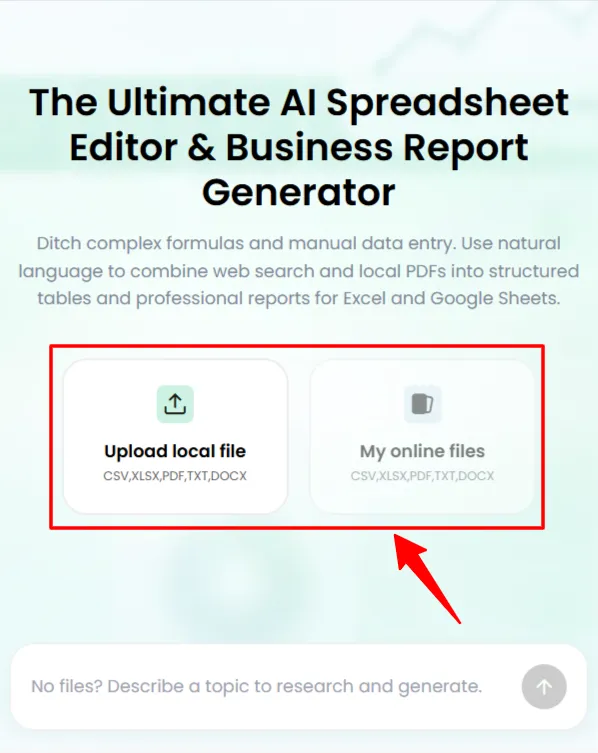
PopAI Sheets does not start from a blank grid. You feed it data.
Upload files (spreadsheets, documents, data exports) and it processes and extracts the information into structured rows automatically. Or search the web in natural language, and it pulls real-time data straight into your sheet.
That real-time web search is a genuine differentiator. Your spreadsheet is not stuck with the numbers you had yesterday; it can go and get current data on command.
Automatic Data Extraction and Structuring
Point PopAI Sheets at messy inputs and it organizes them. It extracts data from your files, cleans it, and structures it into usable tables without you manually copying and reformatting.
This is the boring, time-eating part of every data job, and handing it to AI is where the real hours get saved.
Instant Business Report Generator
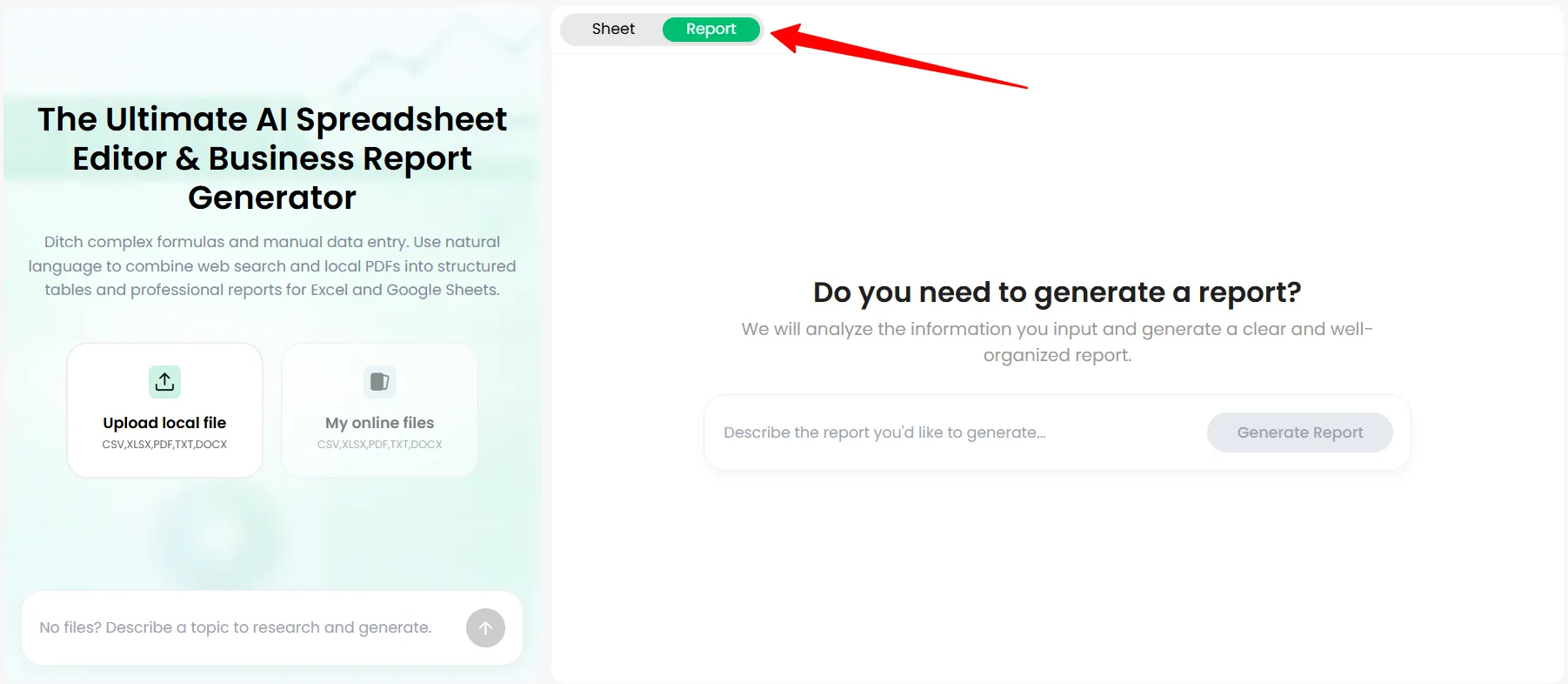
Here is where PopAI Sheets earns its “business” positioning. It is not just a formula tool. It is an instant business report generator.
You give it the data and the question, and it produces analysis and a structured report, not just raw cells. For anyone who regularly builds sales reports, performance summaries, or financial breakdowns, this collapses hours of work into minutes.
Powered by Multiple Top AI Models
PopAI Sheets does not rely on one model. It taps several of the strongest AI models available, and PopAI updates them constantly. At the time of writing, the platform runs on models including Claude Opus 4.5, Gemini 3 Pro, DeepSeek 3.2, and GPT 5.2.
Using multiple advanced models means better reasoning across different task types, and the constant updates mean you are not stuck on last year’s AI.
Built for Accuracy
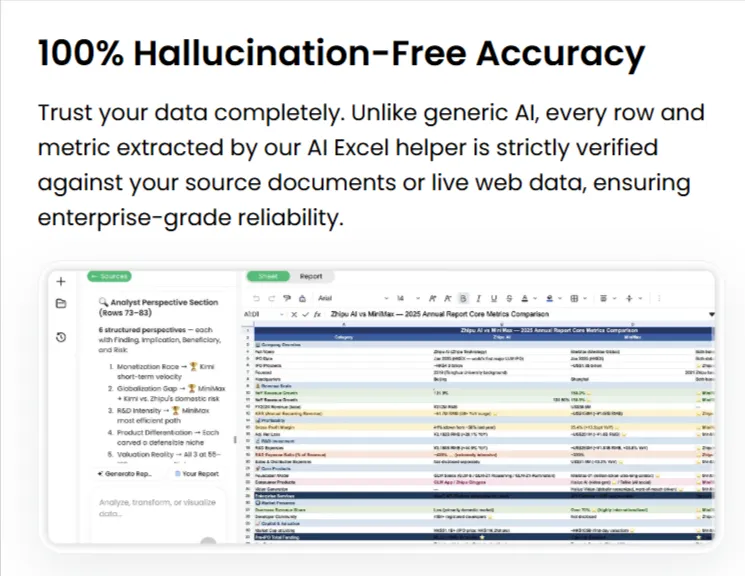
PopAI positions Sheets as built for trustworthy, accurate data work, and markets it as hallucination-free so you can rely on the output for real business decisions.
I will be honest and precise here, because that matters in a review: no AI is literally 100% hallucination-free, and you should always sanity-check important numbers. But in my testing, PopAI Sheet’s accuracy on structured data tasks was strong and noticeably more reliable than throwing the same job at a generic chatbot. The design clearly prioritizes correct, grounded output, and that focus shows.
How PopAI Sheets Works: Step by Step
Here is the actual flow, so you know what using it feels like.
- Start with your data. Upload a file (Excel, CSV, a document, a report) or ask PopAI Sheets to pull data from the web in plain English.
- Describe what you want. Type your request naturally. “Summarize sales by month and highlight the top three products.” No formulas required.
- Let the AI process. PopAI Sheets extracts, structures, calculates, and analyzes, using its models to do the heavy lifting.
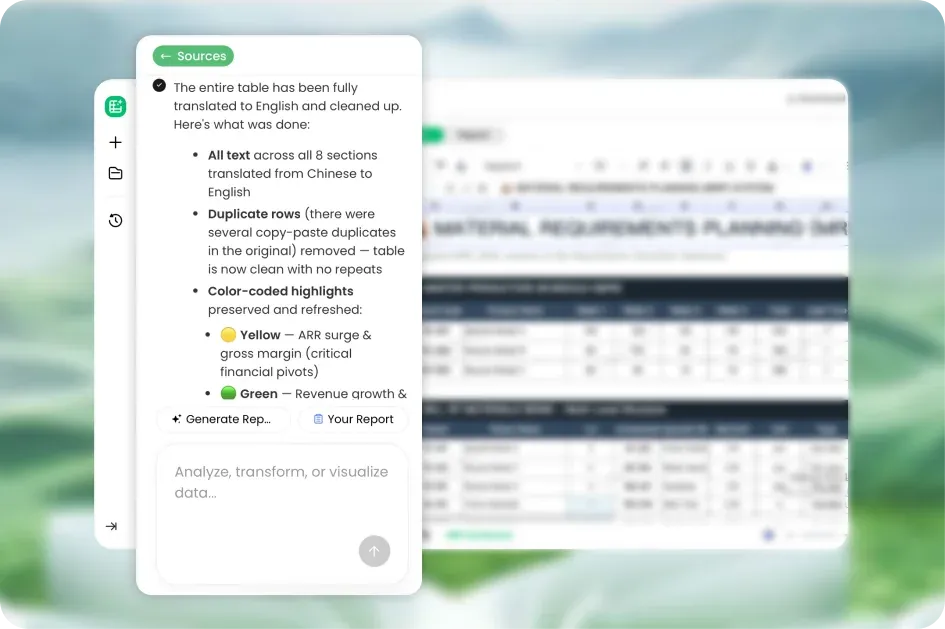
- Get your sheet or report. You receive a structured spreadsheet, the formulas applied, and, when you ask for it, a full business report built from the data.
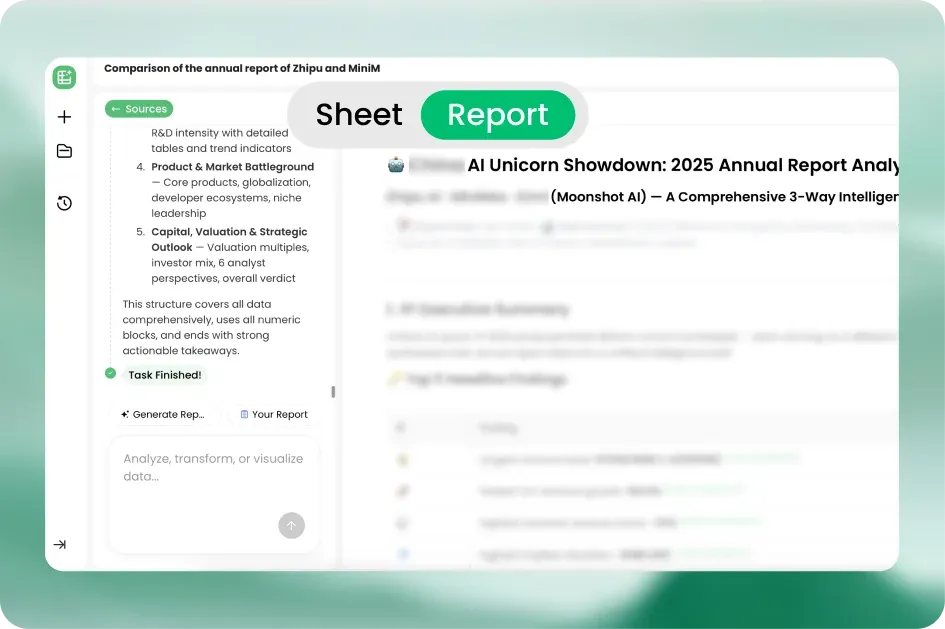
- Refine in plain English. Want a change? Just ask. “Add a column for profit margin.” “Turn this into a quarterly view.” It adjusts.
That loop, describe and receive, is the whole experience. It feels less like operating software and more like handing work to a very fast analyst.
Here are a few prompts I have used that worked well:
"Extract all company names, contact emails, and revenue figures from this file and put them in a clean table.""Analyze this sales data and generate a monthly performance report with growth percentages and a summary of top performers.""Search the web for the latest pricing of these 10 competitors and build a comparison table."The Wider PopAI Suite: More Than Spreadsheets
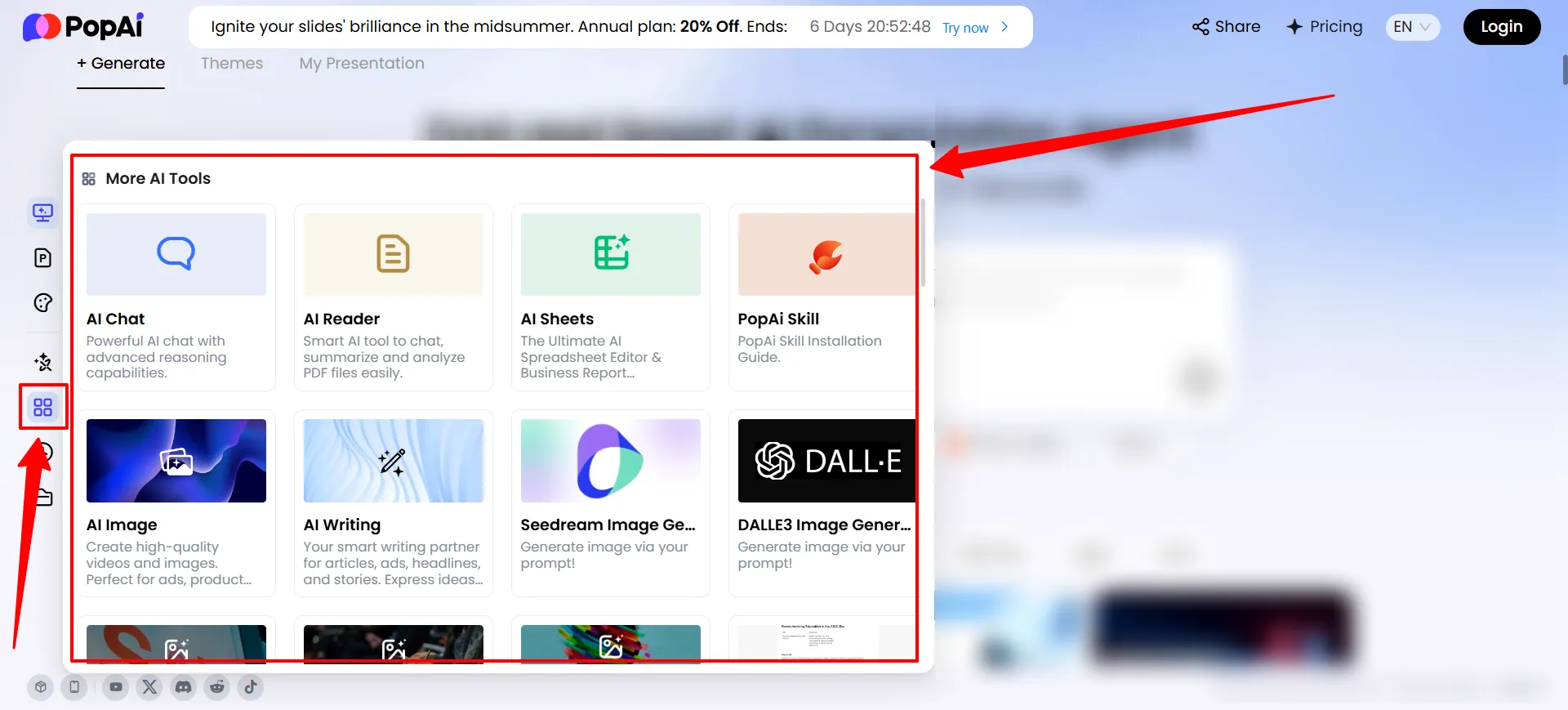
PopAI Sheets is my focus, but the surrounding suite adds real value, and it is part of why the platform is worth it.
The point is consolidation. PopAI is a full AI productivity workspace, not a single-trick tool, and PopAI Sheets slots into that ecosystem rather than standing alone.
PopAI Sheets vs Google Sheets (with Gemini)
The obvious question: Google Sheets now has Gemini built in, so why use PopAI Sheets? Here is my honest take after using both.
| PopAI Sheets | Google Sheets + Gemini | |
|---|---|---|
| Core focus | Business data, reports, analysis | General spreadsheet assistance |
| Natural language to formulas | Yes, deep | Yes, lighter |
| Upload files and auto-extract | Yes | Limited |
| Real-time web search into sheet | Yes | Limited |
| Instant business report generation | Yes, a core feature | Not really |
| Multiple AI models | Yes (Claude, Gemini, GPT, DeepSeek) | Gemini only |
| Part of a wider suite | Yes (slides, PDF, writing) | Google Workspace |
| Best for | Dedicated business data and reports | Everyday sheets inside Google |
Google Sheets with Gemini is great if you live in Google Workspace and want light AI help on everyday sheets. It is convenient and it is right there.
PopAI Sheets is the better pick when spreadsheets and business reports are the actual job. It is more software-segregated, more business-focused, pulls from multiple models, does real-time web research, and generates full reports rather than just helping with cells. If you want an ultimate business spreadsheet and report generator rather than an assistant in the corner, PopAI Sheets is the stronger tool.
They can coexist. I use Gemini for quick edits inside Google, and PopAI Sheets when a real data-to-report job lands on my desk.
PopAI Pricing 2026 (and the 20% Deal)
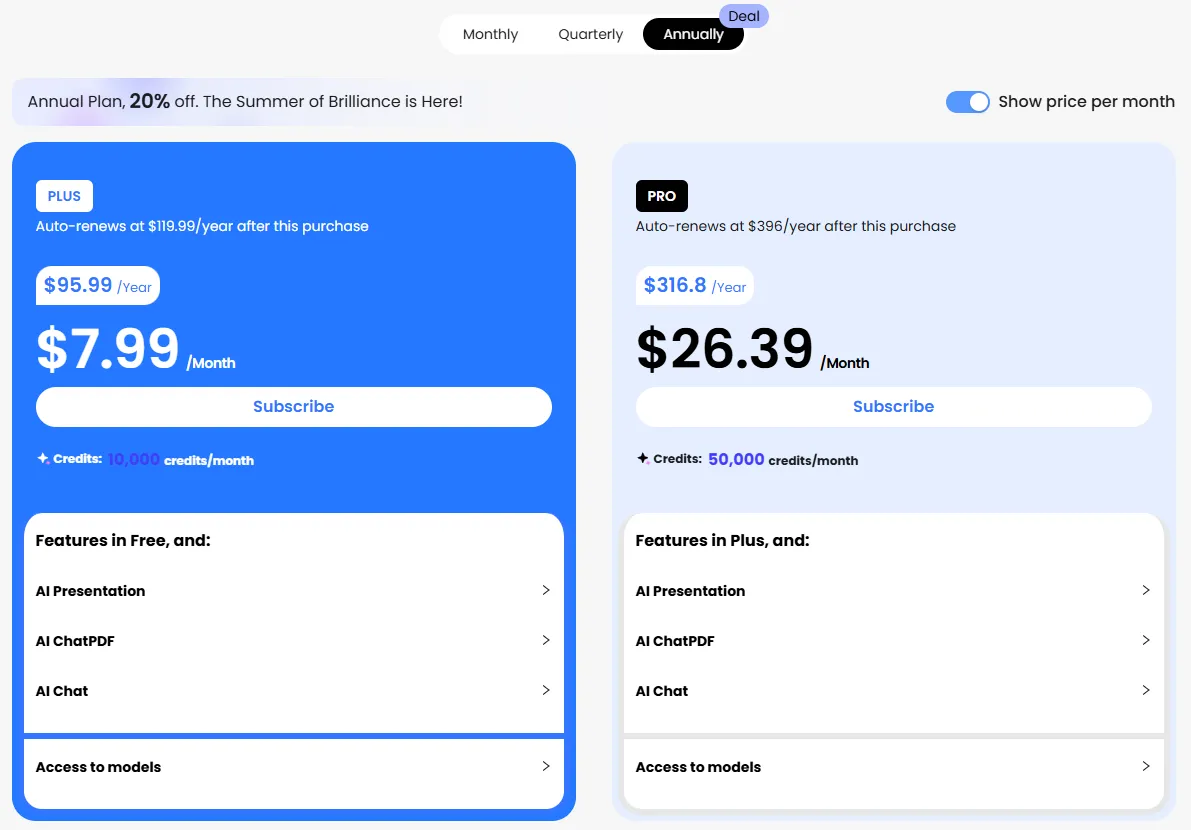
Here is the pricing picture, with the honest caveats.
PopAI keeps pricing accessible, which is a real part of the appeal. Here are the current plans based on PopAI’s own information and detailed pricing breakdowns, with annual billing bringing the monthly cost down further.
| Plan | Price (approx.) | What You Get | Best For |
|---|---|---|---|
| Free | $0 | Basic trial credits, standard templates, web access, watermarked exports, limited uploads | Trying it out |
| Pro | ~$9.90 to $12/month | Higher usage, advanced AI models, watermark-free exports, up to ~30 uploads/day, priority support | Individuals, regular use |
| Unlimited | ~$33 to $47/month | Unlimited usage, GPT-level chat access, higher generation limits, unlimited file management | Power users, heavy data work |
| Teams | Custom | Team seats and business features | Businesses and teams |
And right now, PopAI is running a sale with 20% off across its tools, which makes an already affordable platform cheaper. If you were going to test it anyway, doing it during the discount is the obvious move. Confirm the exact discounted prices at checkout, since promotions and plan credits change often with fast-moving AI tools.
💰 Grab the 20% Deal
PopAI is currently running 20% off across its tools. Start free to test PopAI Sheets, then upgrade during the sale for the best price.
What I Like and What I Don’t
The honest ledger after real use.
What I Like
What I Don’t
None of these are dealbreakers for the value on offer. They are the honest boundaries, and you deserve to know them before you pay.
Who Should Use PopAI Sheets
Use PopAI Sheets if you are:
Look elsewhere if you are:
Final Verdict: A Serious Upgrade for Spreadsheet Work
Spreadsheets are not going anywhere, and in 2026 the winners are the people who let AI do the formula-writing and report-building for them.
After testing it, PopAI Sheets is the AI spreadsheet I recommend for serious business data work. It turns plain English into complex formulas, extracts and structures data from files and the web automatically, generates real business reports, and runs on multiple top-tier AI models that stay current.
Behind it sits a proven company with 16 million users and an excellent presentation suite that pairs perfectly with the data side.
It is not magic, and I told you where to stay careful, especially on verifying critical numbers. But as a tool that removes the formula barrier and turns raw data into finished analysis, it is one of the best I have used.
The free plan and the current 20% sale make it easy to test. Load your own data, ask a question in plain English, and watch it build the sheet. That will tell you more than any review.
PopAI Sheets Current Deal
Start With PopAI Sheets Today
Build formulas, structure data and generate business reports without spending hours doing spreadsheet work manually.
- Turn plain English into complex formulas with no syntax needed
- Upload files or search the web and structure extracted data automatically
- Generate instant business reports using multiple top AI models
- Start on the free plan and get 20% off during the current sale
Try PopAI Sheets and apply the current sale automatically.
Affiliate Disclosure: This post may contain some affiliate links, which means we may receive a commission if you purchase something that we recommend at no additional cost for you (none whatsoever!)
Similar Posts







About the author:
Aliakbar Fakhri
Founder & CEO of AFFiNCO
I’m Ali, Founder of AFFiNCO, with 15+ years in SEO, paid ads and affiliate marketing.
I run 65+ sites of my own, so every strategy on this blog was tested on my money before it reached you. No guru fluff. Just what actually works.