The 4-Tool AI Content Stack for Creators and Teams in 2026

By :
Ali
July 17, 2026
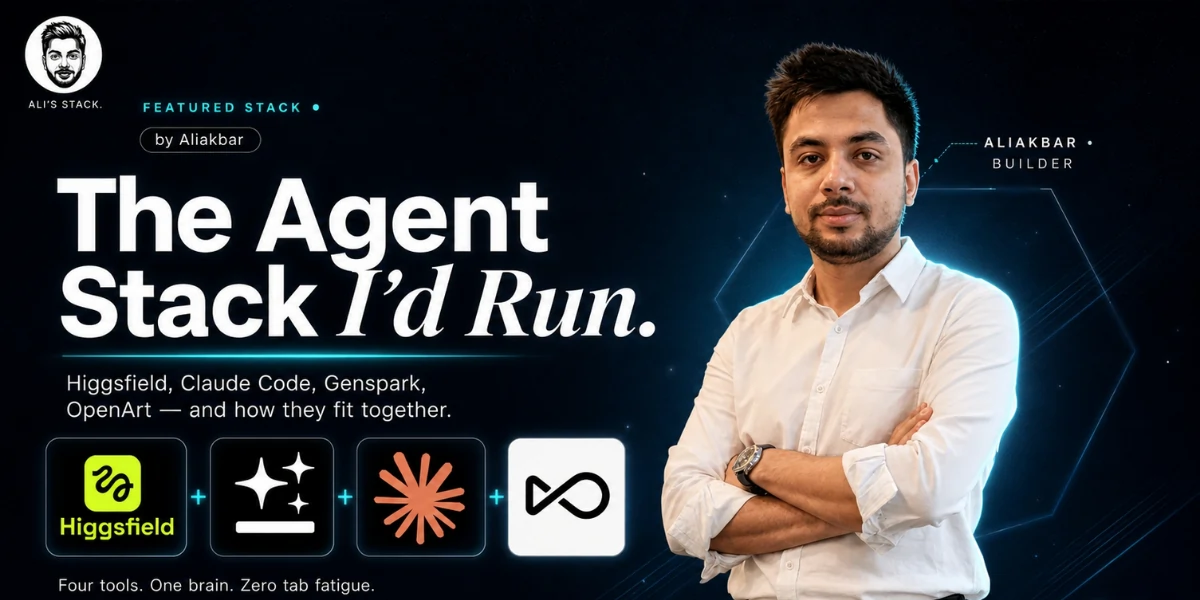
Let me describe a marketer I meet every week.
They started with ChatGPT. Then they added HeyGen for avatars. Then someone told them ElevenLabs was better for voices, so they added that too. Then a different avatar tool. Then a thumbnail tool.
Then a workflow tool. Six months later they are paying for eleven subscriptions, logging into nine dashboards, and their content is still a mess, because they collected tools instead of building a system.
This is the AI bubble in one sentence. Everyone is drowning in tools and starving for a stack.
I run a media and agency operation. We produce for a lot of Instagram accounts and a lot of YouTube channels. Thumbnails, short videos, ad creatives, landing pages, internal apps, social posts, the whole machine.
And I have spent the last year cutting my tool list down to the few that actually fit together. This is that stack. The four tools I would run in 2026, how they connect, what they cost, and the honest parts nobody tells you.
First, the Philosophy: Layers, Not Tools
Before I name anything, understand the shape.
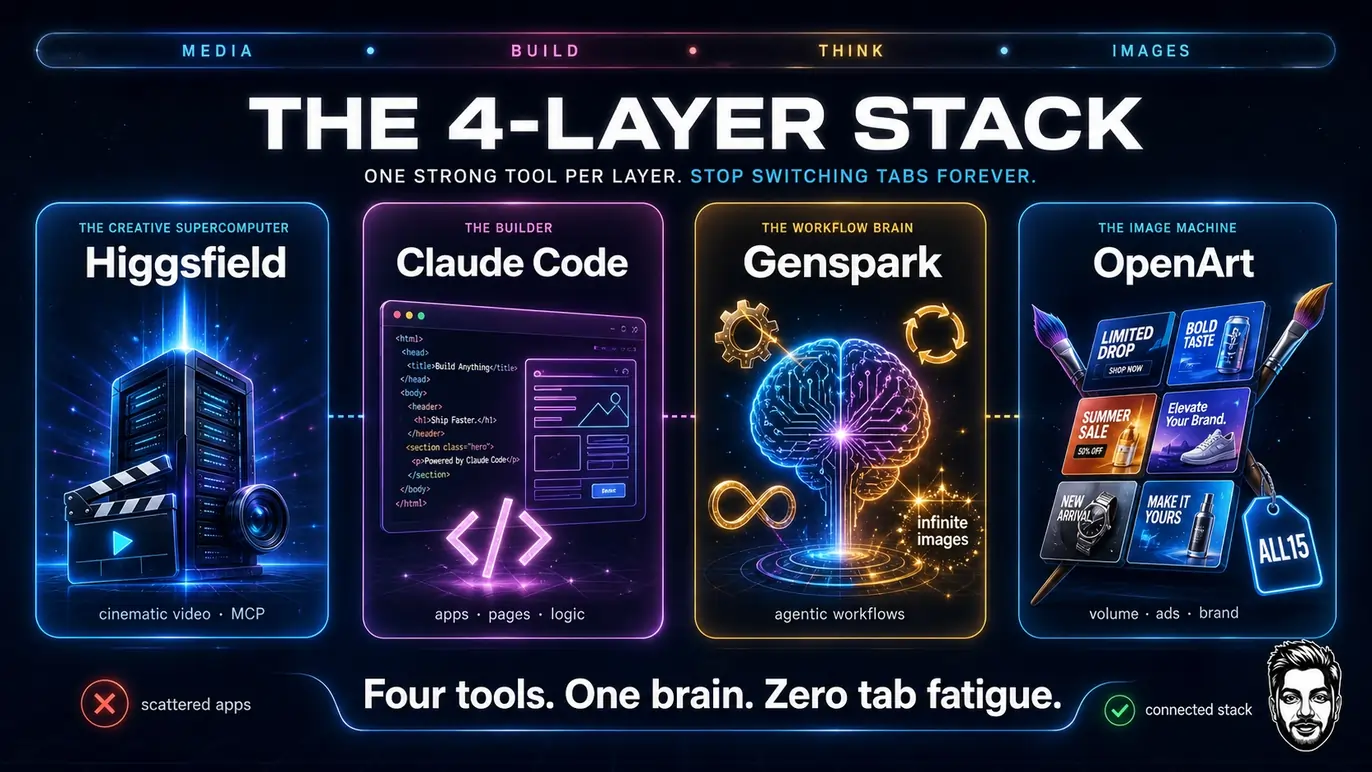
I do not think in tools anymore. I think in layers. Every content operation has the same four jobs, and I have one tool doing each job well, instead of five tools doing each job badly.
The four layers are simple. You need something to generate media. Something to build software and pages. Something to run the thinking and the workflows. And something to pump out images at volume for ads.
That is it. Get one strong tool per layer, wire them together, and you stop switching tabs forever.
My four layers, and my pick for each:
- The creative supercomputer: Higgsfield
- The builder: Claude Code
- The workflow brain: Genspark
- The image machine: OpenArt
Now let me warn you before I sell you anything.
The Honest Cost Warning (Read This First)
I pay more than $2,000 a month for this stack.
I am telling you that in the second section, not hiding it in the footnotes, because most “my AI stack” articles are written by people spending $40 a month and pretending they run an empire. I actually run the empire, and the empire has an invoice.
But here is the important part. You probably do not need to spend what I spend. I pay this much because of scale. A lot of Instagram accounts, a lot of YouTube channels, constant thumbnails, constant video, constant ads. My limits are maxed because my output is huge.
If you produce less, you pay less. You can run a version of this exact stack for under $100 a month. Same tools, lower tiers, and it will carry a solo creator or a small brand comfortably. The tools scale with you. The stack does not change. Only the bill does.
Keep that in mind through the whole article. When I mention my expensive plans, that is my volume talking, not a requirement for you.
Layer 1: Higgsfield, The Creative Supercomputer
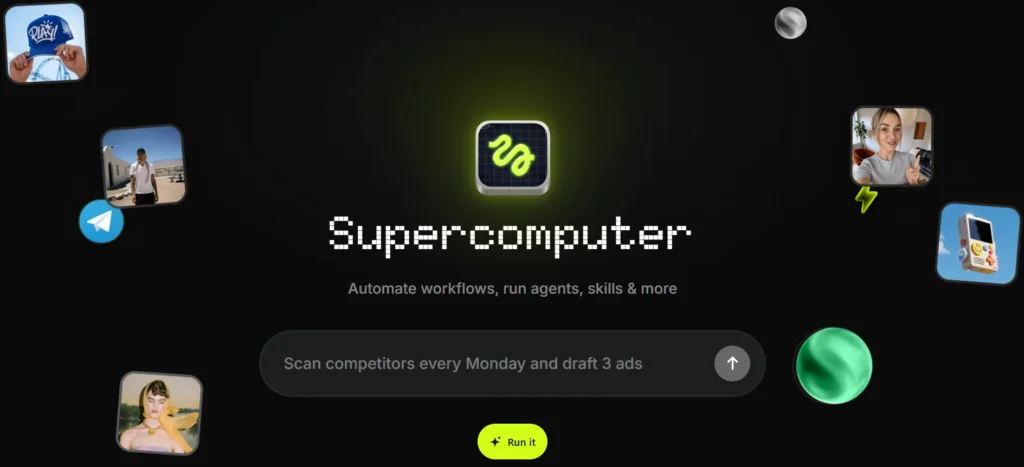
Start with the media engine, because this is the layer that used to require the most tools.
Higgsfield is a cloud creative supercomputer. People call it a supercomputer for a reason. It is not a single image app or a single video app. It is a cloud-native creative agent that generates images, video, audio, and more, running on serious infrastructure that you do not have to own.
It is the alternative to buying your own expensive machine or juggling six generation apps. The power lives in the cloud, and you just give it work.
For my operation, Higgsfield is the video and cinematic media layer. When a YouTube channel needs a b-roll shot, a cinematic clip, a motion piece, or a stylised video, this is where it comes from. It does far more than images and videos too, which is the point. It is a whole creative compute layer, not a one-trick app.
But the feature that actually changed my week is the MCP.
The MCP Trick Nobody Uses Yet
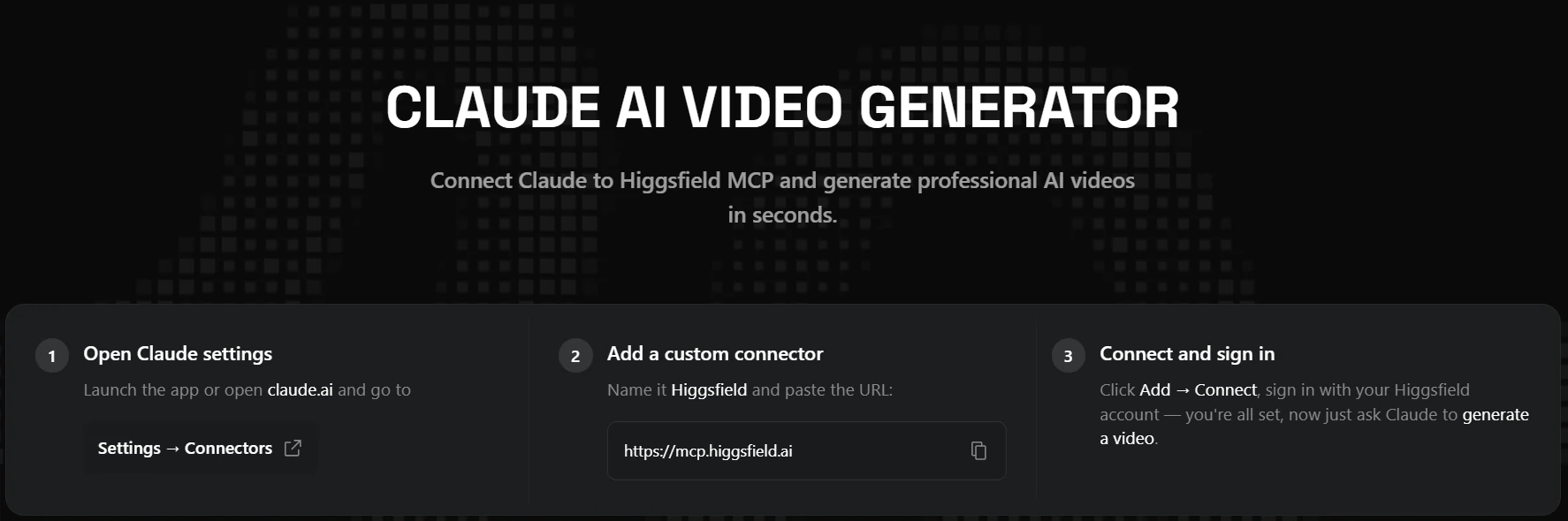
Higgsfield has an MCP. This is the part most people miss, and it is the single biggest time-saver in my stack.
Because of the MCP, I do not log into Higgsfield anymore. I connect it to Claude Code or ChatGPT once, and after that I just give commands in plain English from inside the tool I am already using. “Generate a cinematic 5-second shot of a city at dawn, moody, for a YouTube intro.” It runs on Higgsfield, and the result comes back to me. No dashboard, no tab, no re-login.
The generation happens on Higgsfield’s supercomputer. I just talk to it through Claude or ChatGPT.
That connection is the whole “stack” idea made real. The tools stop being separate destinations and become one conversation.
The Model-Choice Tip That Saves Real Money
Here is a tip that will save you money the day you read it, and almost nobody does this.
When you drive Higgsfield through Claude Code or ChatGPT, do not use your most powerful model for the job. It is a waste.
Think about what is actually happening. The image or the video is being created by Higgsfield. The AI model on your side is only writing the prompt and passing the command. That is a light task. You do not need a genius for it.
So do not burn Opus 4.8 or Fable 5 just to say “make me an image.” That is like hiring a surgeon to open a jar. Use a lighter model. Sonnet 5, or Opus 4.7, or a similar mid-tier. It costs less, your usage limits last far longer, and the output is exactly the same, because Higgsfield is doing the heavy creation either way.
Same logic on the ChatGPT side. Drive Higgsfield with GPT-5.5 instead of 5.6, or even GPT-5.4, which gives you almost unlimited queries.
You can fire off a hundred plain-language prompts and get a mountain of work done without touching your premium limits.
Match the model to the job. Heavy models for heavy thinking. Light models for passing commands to a supercomputer that is doing the real work.
Layer 2: Claude Code, The Builder
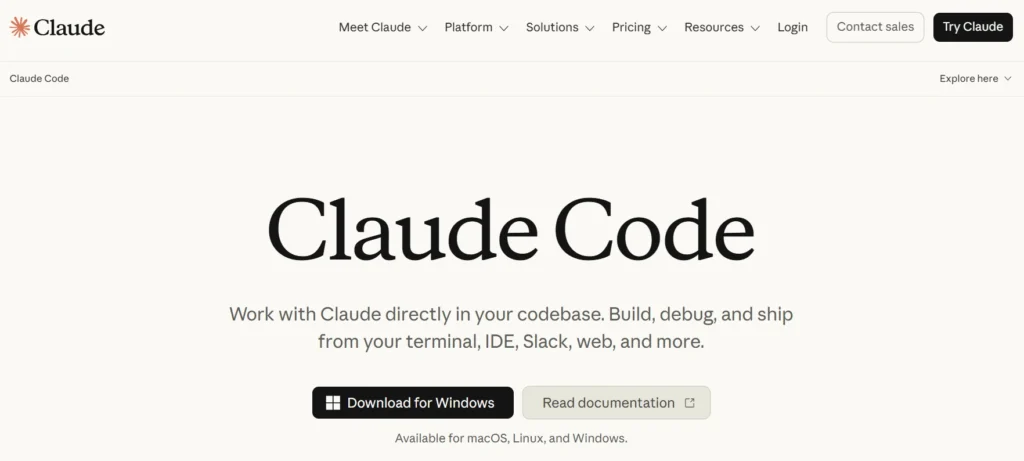
This is the layer that surprised me most, because I do not write code. Not one line. And Claude Code has become the tool I would give up last.
Claude Code is an AI coding agent. You describe what you want in plain English, and it builds the actual software. For someone non-technical running a business, this is not a developer tool. It is a superpower.
Here is what I have genuinely built with it, as someone who cannot code.
Think about what that means. The stuff I used to rent from three different SaaS tools, I now own, built to my exact needs, by describing it in plain English. That is the real revolution, and it has nothing to do with chatbots writing poems.
Claude Code Pricing (The Evergreen Part)
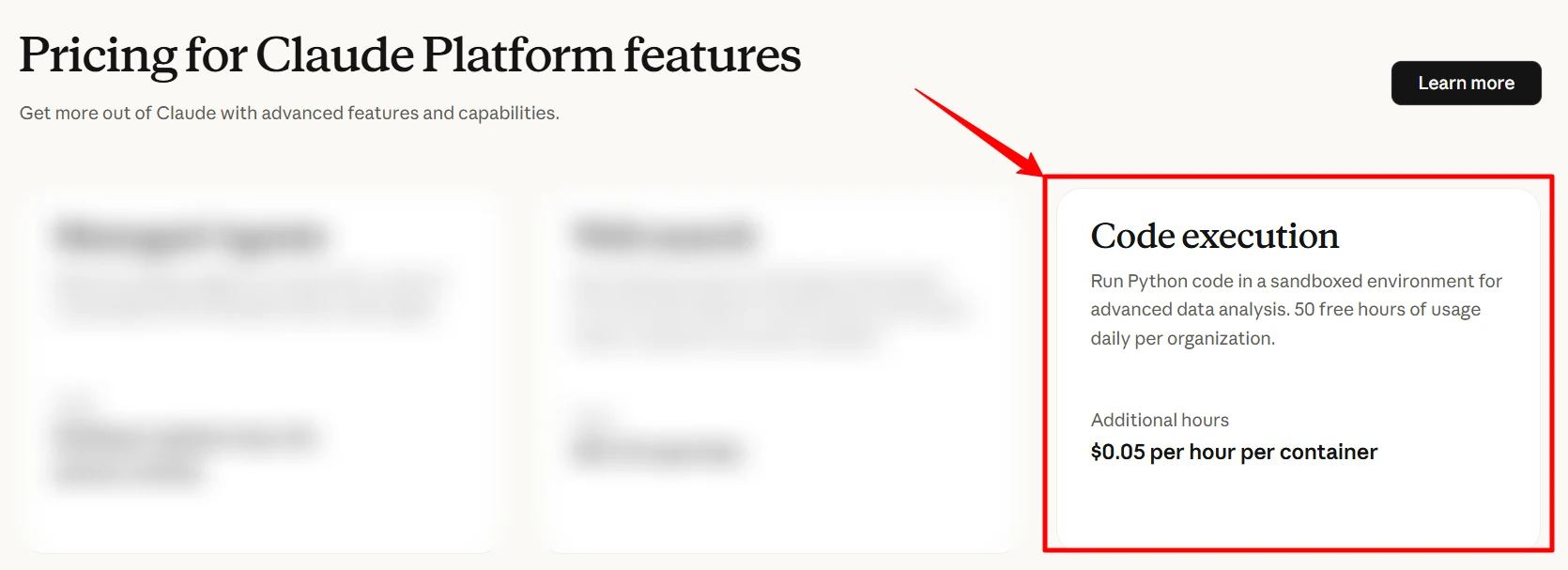
Claude Code pricing is refreshingly simple, and it is evergreen, so it does not expire like a coupon.
You can start at $20 a month and get real work done. Step up to around $100 a month as your usage grows. And the top plan runs about $200 a month for heavy users like me who are building constantly. Pick the tier that matches your output.
Start low. You will know when you need more, because you will hit the limit while building something you love.

A Word on Claude Cowork
One more piece worth knowing. Claude Cowork gets seriously powerful when you connect things to it. APIs, Firecrawl for web data, actors, tools, all of it. Once you wire your real systems into Cowork,
it stops being a chat and starts being an operator that can actually reach into your stack and do work across it. If Claude Code is where you build, Cowork is where you connect and run.

Layer 3: Genspark, The Workflow Brain
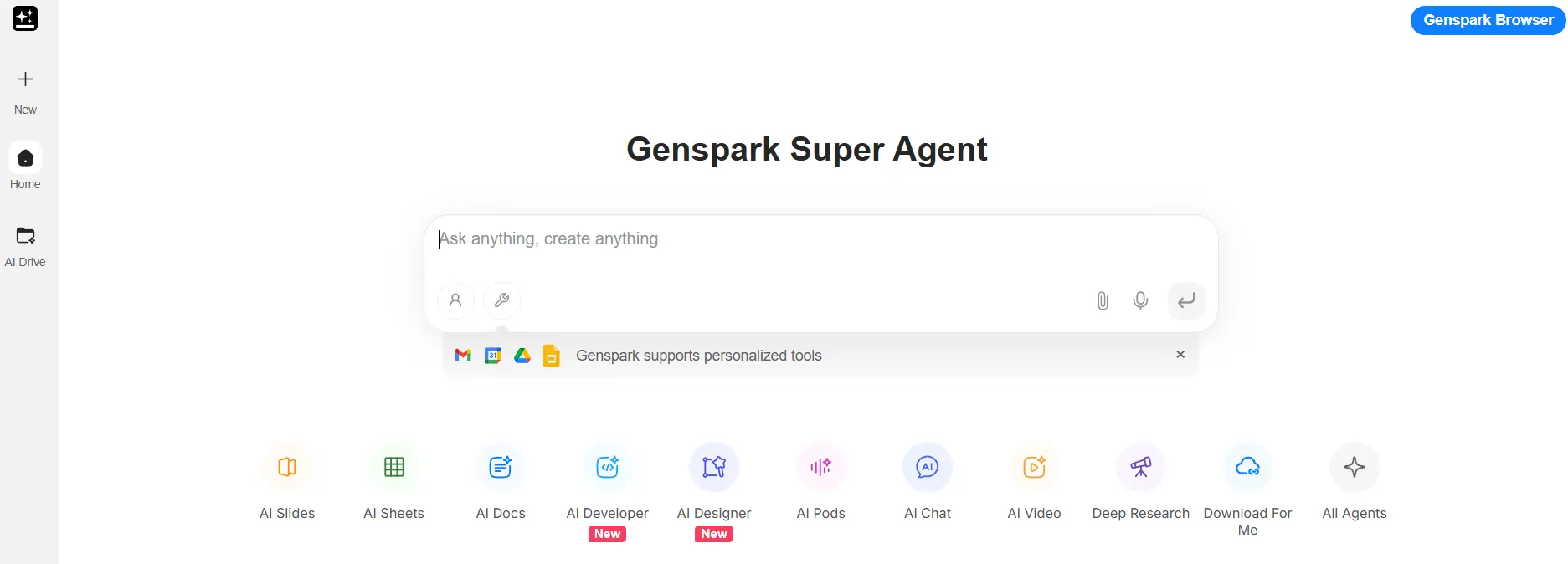
Genspark is my number one favourite tool in the entire stack. If I could only keep one, this fight would be hard, but Genspark would be in the final two.
Genspark is a multi-agent AI workspace, a super agent that autonomously builds things. Workflows, sites, presentations, research, whole multi-step jobs.
You give it a goal and it does not just answer, it goes and completes the work across steps, like a team member rather than a chatbot.
For me, Genspark is the workflow layer. When I need a repeatable system built, a research job run, a multi-step content process automated, this is where it happens. It has Genspark AI developers built in, so it can build and execute, not just plan.
And here is a detail that matters for a media operation like mine: unlimited image generation using Nano Banana and GPT models. When you are producing at my volume, “unlimited” is not a marketing word, it is a survival feature. It means one of my heaviest recurring costs, image generation, has a home where the meter is not always running.
There is a lot more under the hood, but the reason it is my favourite is simple. It does the most different jobs well. It is the closest thing in my stack to a genuine autonomous teammate.
The Genspark Deal
Genspark has one of the best deals in this whole stack, so use it.
On the annual subscription, you get 2 months free, or you can take 20% off the annual plan. Either way you are cutting a serious chunk off a tool you will use every single day.
If you are going to commit to one tool from this article annually, this is the one where the annual math makes the most sense, because you will not stop using it.

Layer 4: OpenArt, The Image Machine
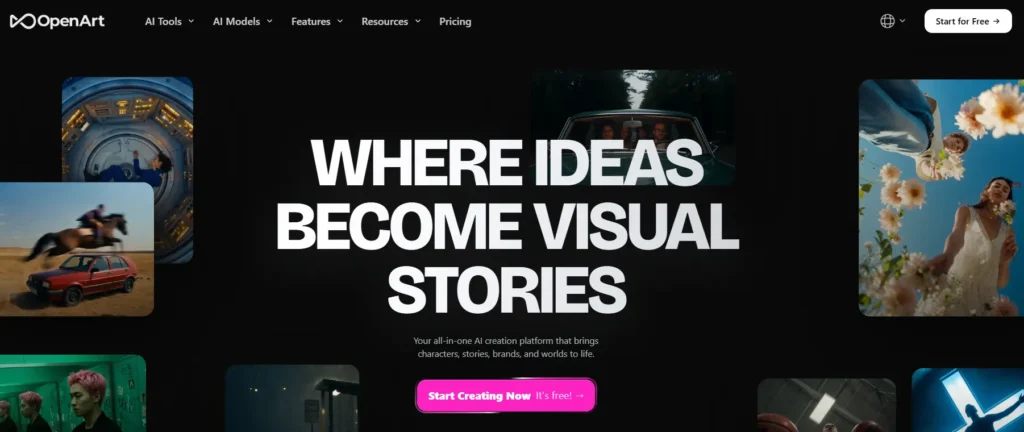
The last layer is pure image volume, and it belongs to OpenArt.
I have written a full breakdown of OpenArt elsewhere, so I will keep this tight. OpenArt is where our ad creatives and campaign images come from. One studio, a hundred plus models, consistent characters, and the batch speed to produce ad variations at the pace paid traffic demands.
Why a separate tool for images when Higgsfield and Genspark both generate images? Because layers. Higgsfield is my video and cinematic engine. Genspark is my workflow brain that happens to make images inside automations.
OpenArt is my dedicated, high-volume ad and brand image factory, with the character consistency and model choice that ad creative specifically needs. Each tool has a job. That is the whole philosophy in action.
The OpenArt Deal
Use my code and you save on it. Enter ALL15 at checkout for 15% off. On a tool you will run constantly for ad creative, that discount compounds every month.
How They Actually Fit Together
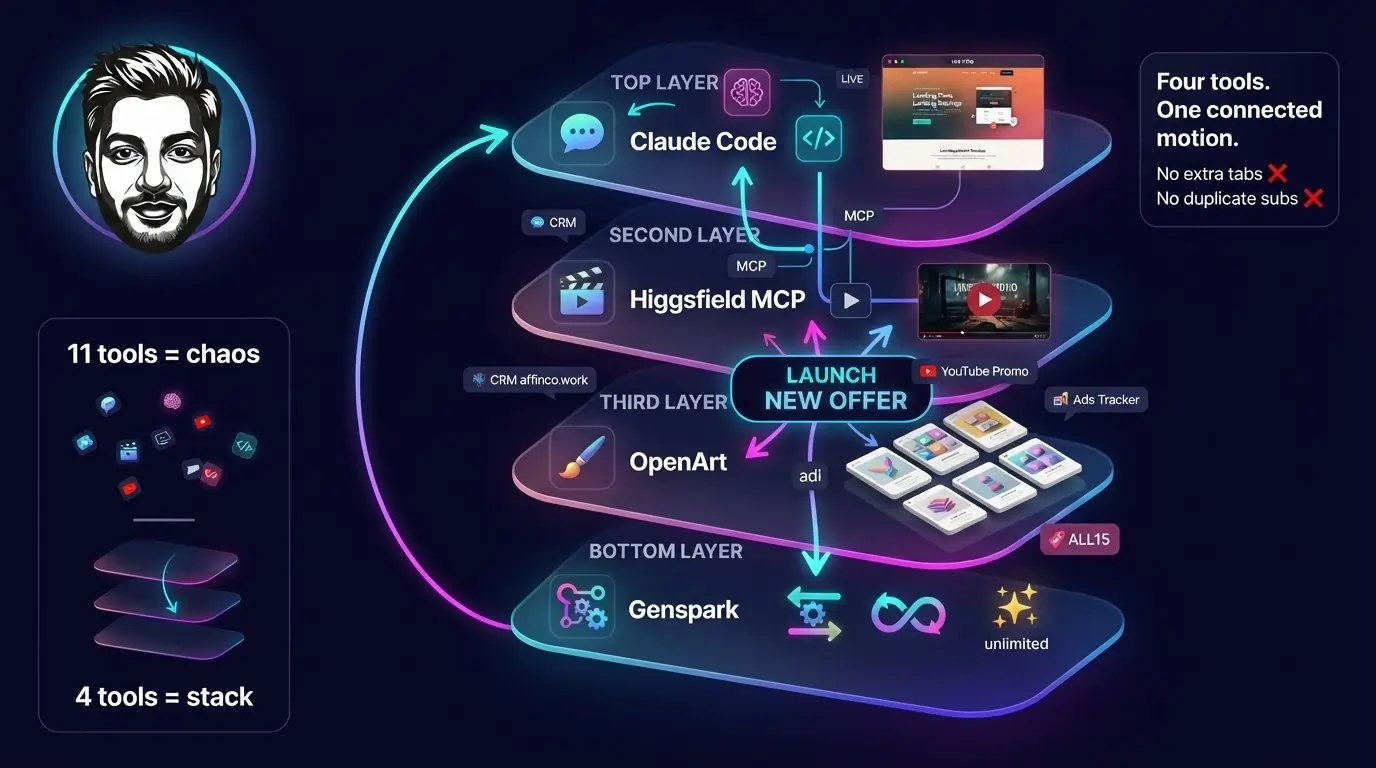
Four tools is not a stack. The way they connect is the stack. So let me walk you through a real job, start to finish, the way it runs for me.
Say I am launching a new offer with a landing page, a promo video for YouTube, ad creatives for paid traffic, and it all needs to be tracked in our system.
- I open Claude Code and describe the landing page. It writes the HTML and it is live. Same session, I have it wire the new offer into our CRM at affinco.work and add the affiliate links to our system, so tracking exists before the campaign does.
- For the promo video, I do not leave my chat. Higgsfield is connected by MCP, so I give the video command in plain language, driven by a lighter model to save my limits, and the cinematic clip is generated on Higgsfield’s supercomputer and comes back to me.
- For the ad creatives, I go to OpenArt and batch out a stack of variations with a consistent brand character, using my ALL15 discount to keep the cost down.
- And the whole repeatable process around this, the research, the multi-step workflow, the systematised parts I do again and again, lives in Genspark, running as an autonomous workflow with its unlimited image generation feeding the parts that need visuals.
Four tools. One connected motion. No tab I did not need. No subscription doing a job another one already does. That is a stack. The marketer with eleven tools cannot do this, because their tools do not talk to each other and neither do their workflows.
The Honest Negatives
I promised you the parts nobody tells you. Here they are.
None of these stopped me. All of them are things I would want a friend to know before spending the money.
Who Should Copy This Stack
Be honest with yourself here.
Copy the full stack if you are running real content volume. Multiple channels, constant thumbnails and video, ads to feed, pages to launch, systems to build. If that is your life, this stack will replace a dozen scattered subscriptions and actually connect, and it will pay for itself in time saved and tools cancelled.
Run the light version if you are a solo creator or small brand. Take the same four tools at their entry tiers, and you have a sub-$100-a-month operation that punches far above its weight.
Start with Claude Code at $20 and Genspark on the annual deal, add OpenArt with the ALL15 code when you need ad images, and add Higgsfield when video becomes a real need.
Do not copy any of it if your needs are tiny.
One good general AI tool will serve you until your output grows. There is no shame in a small stack. The shame is in the eleven-tool mess that does nothing well.
The Final Word
The AI bubble is not going to get simpler. Every week there is a new tool, a new model, a new “this changes everything” launch, and the pressure to chase all of it is relentless.
That chase is exactly what keeps most marketers stuck. They are so busy collecting tools that they never build a system.
My whole point is this. Stop chasing tools. Build a stack. Pick one strong tool per layer, connect them properly, and defend that setup against the noise. Higgsfield for creative compute. Claude Code for building. Genspark for workflows.
OpenArt for images. Connected by MCP, driven by the right-sized model, scaled to your real output.
That is the stack I would run in 2026, and it is the stack I am running right now. It is not the cheapest way to work. It is the calmest, and in a bubble this loud, calm is the edge.
Start with one layer. Get it connected. Then add the next. You do not have to buy all four today. You just have to stop collecting and start stacking.
The Stack, In One Place
Higgsfield
creative supercomputer
Start here
Claude Code
the builder, from $20/mo
Start here
Genspark
workflow brain, 2 months free annual
Start here
OpenArt
ad image machine, 15% off code ALL15
Start here
Written from my own maxed-out accounts in July 2026. I pay for all four.
When the models and plans shift, I will update this, because the stack is
a living thing and so is this page.
Higgsfield
creative supercomputer
Claude Code
the builder, from $20/mo
Genspark
workflow brain, 2 months free annual
OpenArt
ad image machine, 15% off code ALL15
Written from my own maxed-out accounts in July 2026. I pay for all four. When the models and plans shift, I will update this, because the stack is a living thing and so is this page.
Affiliate Disclosure: This post may contain some affiliate links, which means we may receive a commission if you purchase something that we recommend at no additional cost for you (none whatsoever!)
Similar Posts


About the author:
Aliakbar Fakhri
Founder & CEO of AFFiNCO
I’m Ali, Founder of AFFiNCO, with 15+ years in SEO, paid ads and affiliate marketing.
I run 65+ sites of my own, so every strategy on this blog was tested on my money before it reached you. No guru fluff. Just what actually works.