
Cheapest VPS for n8n in 2026: 5 Hosts Compared

By :
Ali
July 31, 2026

Short answer: For most people self-hosting n8n in 2026, Hostinger KVM 2 at $8.79/month (2 vCPU, 8 GB RAM, 100 GB NVMe) is the cheapest VPS that runs n8n properly, because it ships a one-click n8n template with an optional queue-mode variant and you are running workflows in minutes instead of hours.
Contabo Cloud VPS 4 at €4.40/month gives you more raw hardware for less money if you are comfortable with weaker support. Below that, price stops being the thing you are actually buying.
I have been running n8n for two years and hosting websites for affiliate businesses since 2013. This guide is what I would tell a friend, including the parts that cost me money to learn.
How We Ended Up Self-Hosting
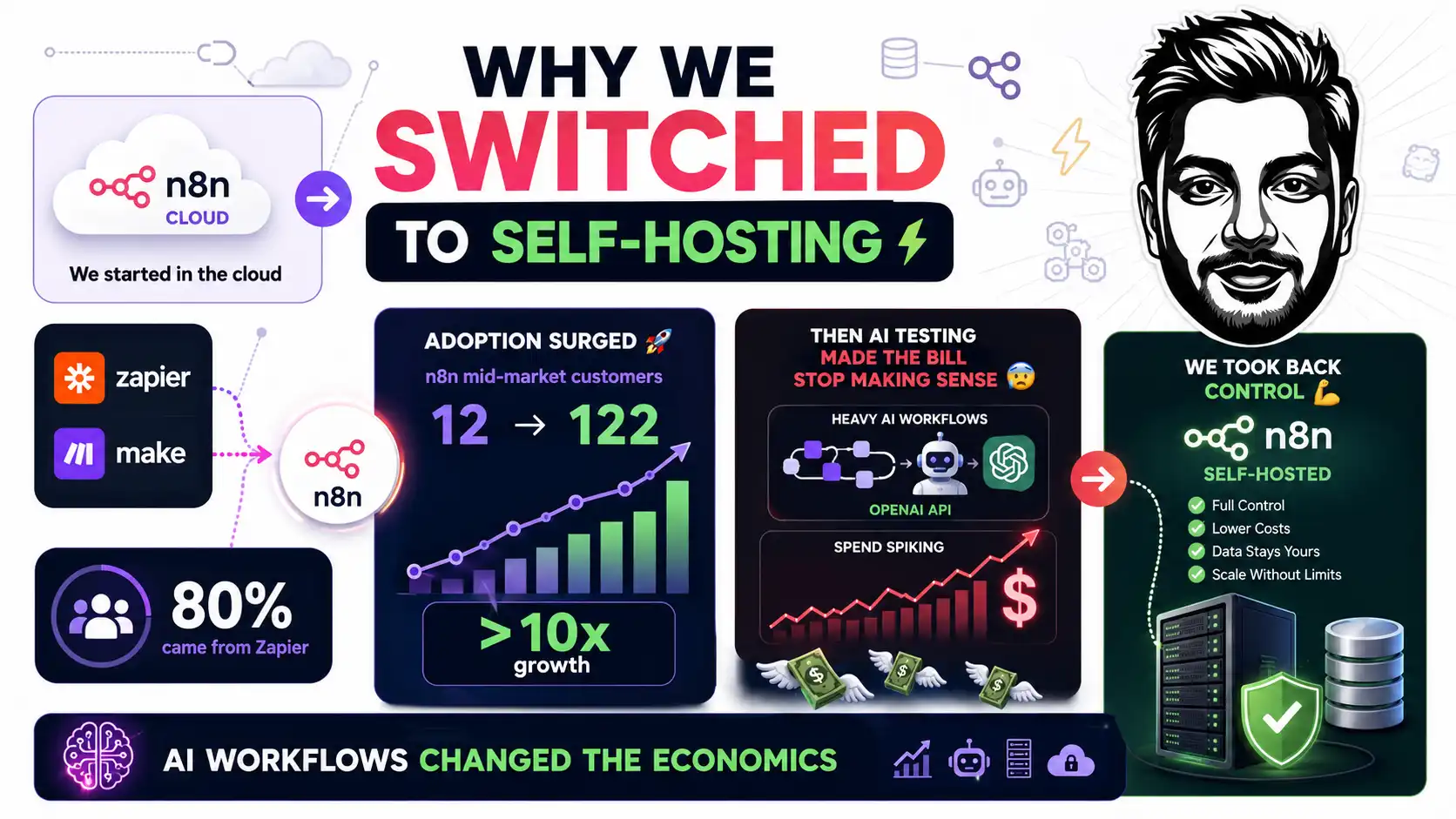
We started on n8n Cloud in 2024. Everyone was moving off Zapier and Make at the time, and the numbers say that was not just hype — Studies found that 80% of n8n’s new customers came from existing Zapier users, and n8n’s mid-market customer count went from 12 in January 2025 to 122 in January 2026. More than 10x in a year.
So we built. A lot. Then we started testing AI content workflows against the OpenAI API, and the whole thing turned into an experiment that ran all day. That is when the bill stopped making sense.
Here is why, and this is the single most important table in this article.
| n8n Cloud plan | Price (annual) | Executions/month | Concurrent executions | Hosting |
|---|---|---|---|---|
| Starter | €20/mo | 2,500 | 5 | Hosted by n8n |
| Pro | €50/mo | 10,000 | 20 | Hosted by n8n |
| Business | €667/mo | 40,000 | 30 | Self-hosted licence |
| Enterprise | Contact sales | Custom | 200+ | Either |
Read the last column again. The highest managed n8n Cloud plan you can buy yourself is Pro, and it caps at 10,000 executions per month. Business is not managed hosting — it is a licence key for a server you run yourself. Above 10,000 executions you are either self-hosting anyway or you are on a sales call.
And an execution is not a step. From n8n’s own pricing FAQ: “An execution is a single run of your entire workflow. It doesn’t matter how many steps are in the workflow or how much data it processes.” A 4-node workflow and a 40-node workflow both burn one.
The arithmetic that ended the discussion for us: Business works out to roughly €0.0167 per execution. A VPS at $8.79 a month running 50,000 executions works out to about €0.0001 per execution. That is not a 20% saving. It is two orders of magnitude, and the community edition has no execution limit at all.
What “Cheapest” Actually Means
Here is where I disagree with most of the VPS roundups you will find.
You can find a VPS cheaper than the ones in this article. There is always something cheaper. The question nobody asks is what you are buying with the difference.
Can the provider delete your instance without warning? Is it a reseller wearing a white label, so your support ticket goes to somebody who does not own the hardware? What happens to your IP reputation when a neighbour on the same block starts sending spam? How many hours will you spend in a terminal before n8n is actually running behind SSL?
That last one matters more than people admit. n8n exists so that people who do not write code can automate things. If your hosting choice forces you back into a terminal to configure a reverse proxy, you have spent your savings on your own time, and you have probably spent more than you saved.
So when I say cheapest, I mean cheapest in total: price, plus setup time, plus the risk that the thing disappears.
What n8n Actually Needs
Before the providers, the specs. And the first thing to know is genuinely surprising.
n8n publishes no minimum RAM or CPU requirement. Their install docs list the prerequisites as “Docker installed on your system.” That is it. Every sizing number you have read, including mine, is a benchmark or a community datapoint.
Here is what the real evidence supports:
| Workload | vCPU | RAM | Database | Notes |
|---|---|---|---|---|
| Learning, testing, a few schedules | 1 | 2 GB | SQLite | 512 MB fails with any AI node |
| Small business production, 10–20 workflows | 2 | 8 GB | SQLite or Postgres | The sweet spot for most readers |
| AI agents, LLM chains, browser automation | 4 | 16 GB | Postgres | LLM nodes need real headroom |
| High-frequency webhooks, hundreds/hour | 8 | 32 GB | Postgres + queue mode | Redis required |
Two hard datapoints worth knowing. A user on Render tried to run one simple workflow with a single OpenRouter Chat Model node on a 512 MB instance and hit constant 502s. The community verdict was blunt: 512 MB is below the floor once AI nodes are involved. They fixed it by moving to 2 GB.
And the one that changed how I think about sizing entirely. Somebody ran n8n on a 16 GB VPS with 15 active workflows and hit repeated “JavaScript heap out of memory” crashes — while system utilisation showed 3 to 7 percent. The VM was almost idle. The ceiling was not the server. It was Node.js’s default heap limit inside the container.
The fix was one environment variable:
NODE_OPTIONS=--max-old-space-size=8192If you take one technical thing from this article, take that. Buying more RAM does not help if you never tell Node it can use it. Set the heap to roughly 75–80% of your container limit, and if you set a Docker mem_limit, set both or you will get silent SIGKILLs with no error in the n8n UI at all.
Two more defaults that will bite you. Binary data is stored in memory by default — set N8N_DEFAULT_BINARY_DATA_MODE=filesystem before you process a single file. And n8n prunes execution data after 14 days or 10,000 records by default, but on SQLite that does not reclaim disk. You will need to vacuum.
The Five Providers, Compared
| Provider | Best n8n plan | vCPU / RAM / Storage | Promo | Renewal | One-click n8n | Money-back |
|---|---|---|---|---|---|---|
| Hostinger | KVM 2 | 2 / 8 GB / 100 GB NVMe | $8.79/mo | $14.99/mo | ✅ 3 variants | 30 days |
| Contabo | Cloud VPS 4 | 4 / 8 GB / 100 GB SSD | €4.40/mo | €4.40/mo | ✅ | Varies |
| UltaHost | VPS Professional | 3 / 4 GB / 75 GB NVMe | €12.13/mo | €12.13/mo | ✅ | 30 days |
| DigitalOcean | Basic 4 GB | 2 / 4 GB / 80 GB SSD | $24.00/mo | $24.00/mo | ✅ third-party | ❌ none |
| Hosting.com | VPS XS | 2 / 4 GB / 80 GB NVMe | $4.99/mo | $9.99/mo | ❌ DIY | ❌ not on VPS |
All promotional prices require upfront payment on a multi-year term. Hostinger’s $8.79 means $210.96 charged today for 24 months. Contabo’s €4.40 is likewise a 24-month tax-inclusive rate. Nobody bills you $8.79 monthly.
1. Hostinger — What I Actually Use
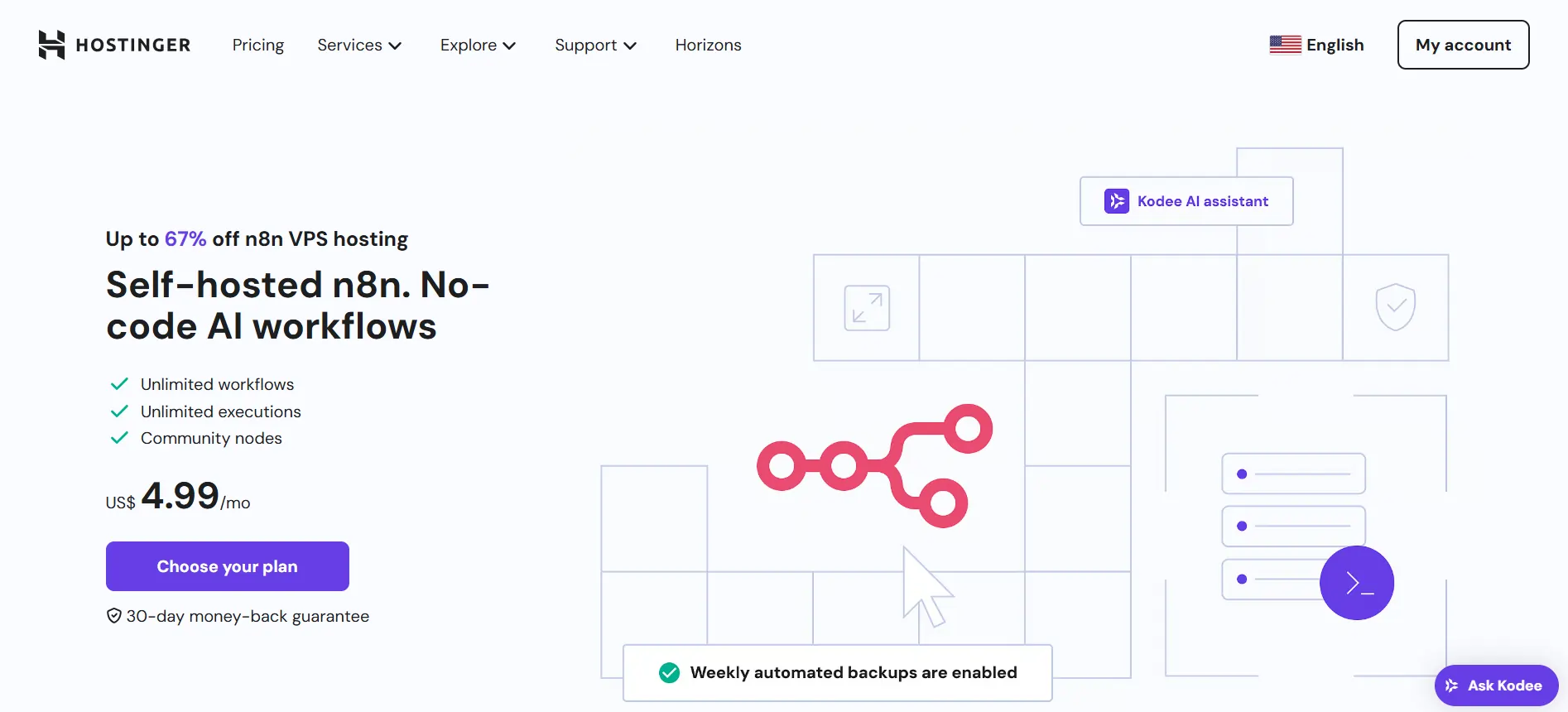
Hostinger is my first recommendation, and the reason is not the price. It is that the gap between “I bought a VPS” and “my first workflow is running behind SSL” is measured in minutes.
They run a dedicated n8n product page and the deploy flow offers three template variants: plain n8n, n8n with queue mode already configured, and n8n bundled with 100+ pre-made workflows. That middle option is worth more than it looks. Queue mode requires Redis, Postgres, and matching encryption keys across every process. Getting it pre-wired removes the single most error-prone part of a serious n8n setup.
The one-click library goes well beyond n8n. I verified these are all live: OpenClaw, Hermes Agent, Paperclip, Open WebUI, Flowise, Ollama, Dify, LangFlow, AnythingLLM, Windmill, Node-RED, Portainer, Supabase and Grafana — out of a catalogue of over 1,000 applications. You can run your automation stack and your local LLM interface on the same box, both installed by clicking a button.
What Hostinger gives you at every tier: AMD EPYC processors, NVMe storage, free weekly backups plus manual snapshots, a dedicated IP, DDoS filtering, a malware scanner, a free domain for one year, and a 30-day money-back guarantee.
Their AI layer is called Kodee — an MCP-powered agent built into the dashboard and the VPS web terminal, included free, no separate subscription. For a non-technical operator this is the difference between reading a tutorial and asking a question in plain English.
Hostinger’s own recommendation for n8n is 2–4 vCPU and 4–8 GB for production, which lines up with the sizing table above and with what we run.
The honest part
I have promoted hosting companies since 2012 — GoDaddy, Bluehost, iPage, GreenGeeks. I have watched companies get acquired, merge and quietly die. Hostinger had real problems before COVID, and anyone who used them seven years ago remembers. What changed is the shipping cadence. For the last three or four years they announce something and it is in the panel days later. That is a different company from the one people complain about in old forum threads.
The genuine drawbacks, stated plainly. The renewal is a 71% jump — $8.79 becomes $14.99. You must pay 24 months upfront to get the headline rate. And despite what a lot of affiliate articles claim, there is no free email included with VPS plans. The free domain is real; the free email is not.
Hostinger VPS With One-Click n8n
Use code AFFMAVEN10 at checkout for 10% off any VPS plan, stacked on top of the current sale. KVM 2 is the plan I would pick for production.

2. Contabo — Best Hardware Per Euro, With a Real Caveat
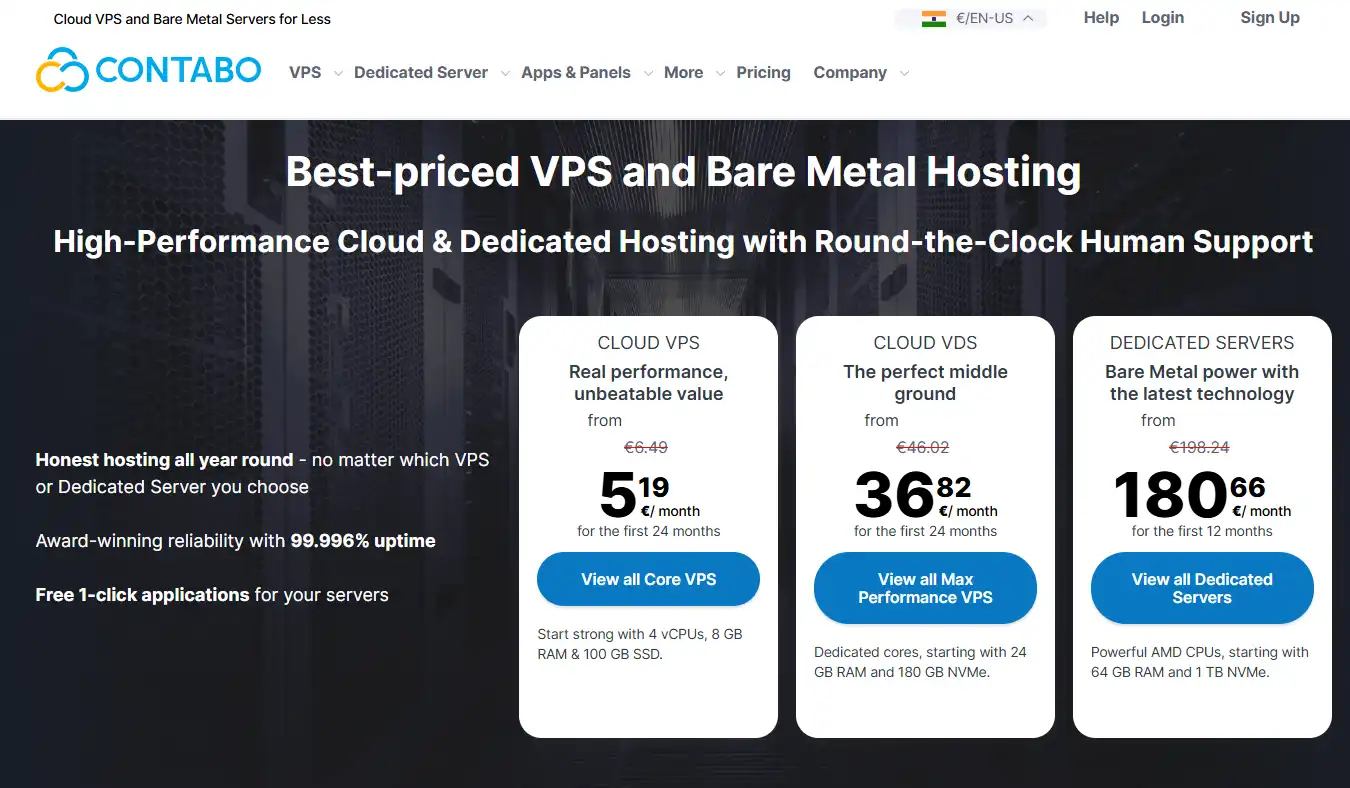
Contabo is my second recommendation and the best pure spec-per-euro deal in this comparison. Cloud VPS 4 gives you 4 vCPU and 8 GB of RAM for €4.40 a month — double Hostinger’s core count at half the price.
They are a 22-year-old German company with real owned datacenters in Germany, the US, UK, Singapore, Japan, Australia and India. Traffic is unlimited under fair use. There is a one-click n8n app, alongside OpenClaw, Docker and Nextcloud. No blah blah, no upsell theatre. The plan page is a spec sheet and a price.
One correction to most articles you will read: Contabo renamed its lineup. The old “Cloud VPS 10/20/30” naming is stale, the current line is named by core count, and the entry tiers are SSD, not NVMe — NVMe moved to their separate Performance VPS line.
Now the caveat, because I said I would be honest. Contabo’s independent review scores are poor. WHTop shows 2.6 out of 10 across 47 reviews. The recurring complaints are support response times of 24 to 38 hours or no reply at all, CPU contention on the shared Core tiers, and — the one that matters most — reports of servers being terminated with data loss.
That is precisely the risk I described at the top of this article. Contabo’s own marketing describes Core VPS as “proven infrastructure across multiple CPU generations” for workloads “where CPU is rarely the bottleneck.” That is a polite way of saying older hardware.
Contabo
Pick Contabo if you are technically comfortable, manage your own backups and prioritise the spec sheet.
Skip Contabo if the automation is business-critical and you need fast, same-day support.
3. UltaHost — The Renewal Price Nobody Else Offers
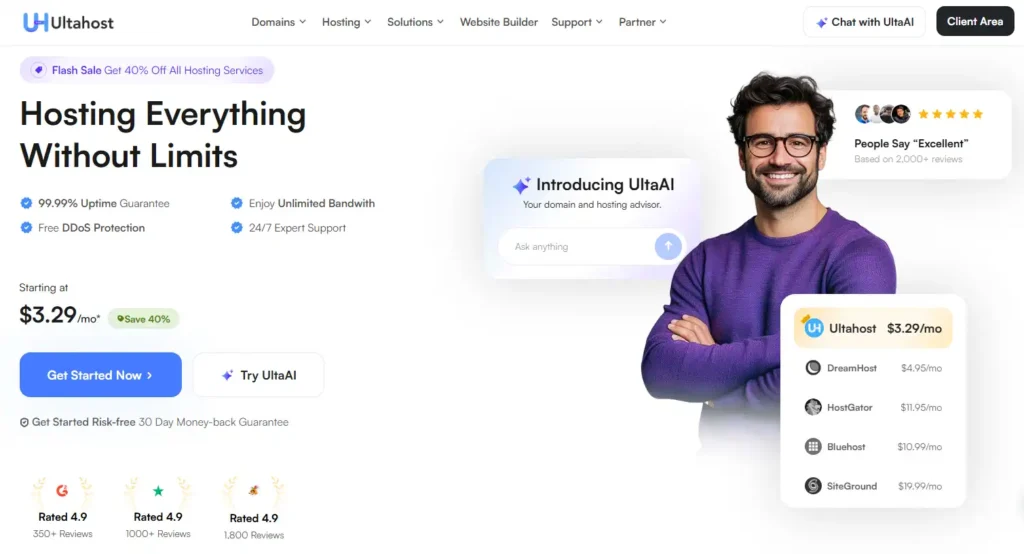
UltaHost is third, and it wins on the one thing the hosting industry is worst at: the renewal price is the same as the promo price.
Every card reads “renews at €12.13/mo.” No 71% jump, no bill shock in month 25. On a four-year view that flips UltaHost from “expensive” to “the only predictable option here.”
They advertise n8n hosting specifically, n8n is in their one-click applications library, and their support model is genuinely different — they offer semi-managed support, meaning they will fix SSH, PHP and server-level issues for you via ticket rather than pointing at a knowledge base.
The drawback is spec-per-dollar. VPS Professional gives you 4 GB for €12.13 — Contabo gives you 8 GB for €4.40. You are paying roughly three times as much per gigabyte, and what you are buying is support and predictability.
One gotcha to know before you buy: port 25 stays closed unless your invoice total is at least $117. If an n8n workflow sends mail over SMTP, budget accordingly or use an API-based email node.
UltaHost
- Free Hestia & CyberPanel
- 30-day money-back guarantee
- Free weekly backups
- Free SSL certificate
- Free website migration
4. DigitalOcean — No Contract, No Lock-In
DigitalOcean is the professional choice and it is three to five times the price of everything above it. Basic 4 GB / 2 vCPU is $24 a month.
What you get for the premium is real: no contract, no upfront payment, per-second billing as of January 2026, and the ability to destroy a Droplet mid-month and stop paying. Nine regions. Best-in-class documentation. If you are a developer who wants infrastructure that behaves like infrastructure, this is it.
Two things to know. There is no refund policy at all — DigitalOcean’s own words are “We do not offer refunds.” And the n8n 1-Click app in their marketplace is published by automaze.me, a third party — not by DigitalOcean and not by n8n.
It deploys a sensible Docker Compose stack with Caddy handling TLS automatically, but support is a third-party email address during business hours, Mountain Time. Backups are an extra 20% of the Droplet cost weekly, or 30% daily.
DigitalOcean’s own API example provisions the 4 GB / 2 vCPU size for n8n, so treat $24 as the real entry point rather than the $6 tier.
5. Hosting.com — Read the Guarantee First
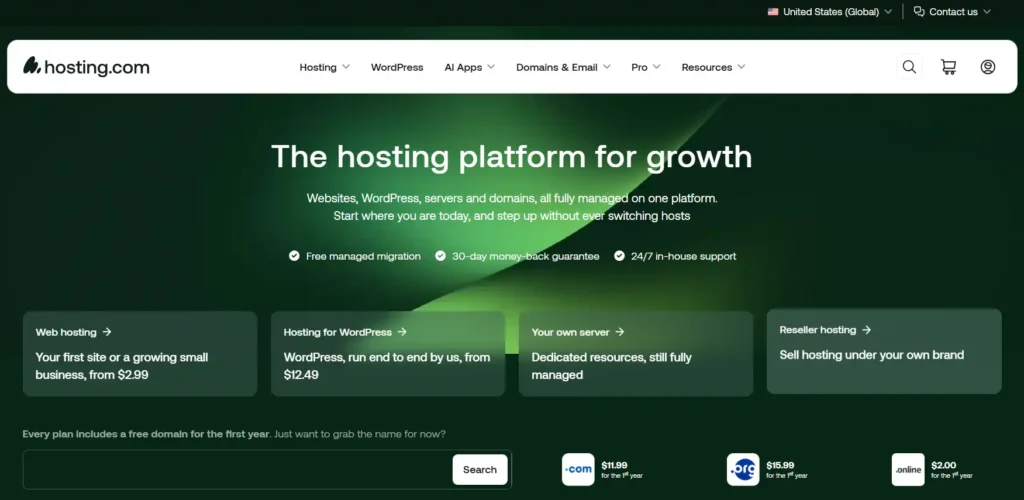
Hosting.com is the company formerly known as A2 Hosting, rebranded in April 2025. Same company, founded 2001 in Michigan, new name.
Their VPS XS at $4.99/month for 2 cores, 4 GB and 80 GB NVMe is the lowest headline number in this comparison. Full root access, so Docker and n8n work fine. Eight datacenter locations including Detroit, Phoenix, Amsterdam, Singapore and Mumbai.
But there is no n8n template and no app marketplace on unmanaged plans. This is a bare server. You will install Docker, write the compose file, configure the reverse proxy and provision the certificate yourself.
And two things you must read before buying. The $4.99 is a 12-month rate that renews at $9.99 — the shortest promotional runway here. And from their own FAQ, verbatim: “VPS plans aren’t covered by our money-back guarantee.” Third-party reviews claim a 30-day guarantee. The provider’s own page says otherwise. Believe the provider.
There are also no backups on unmanaged plans — their recommendation is that you set up your own — and cPanel is a paid add-on from $16.19/month.
Which One Should You Actually Pick
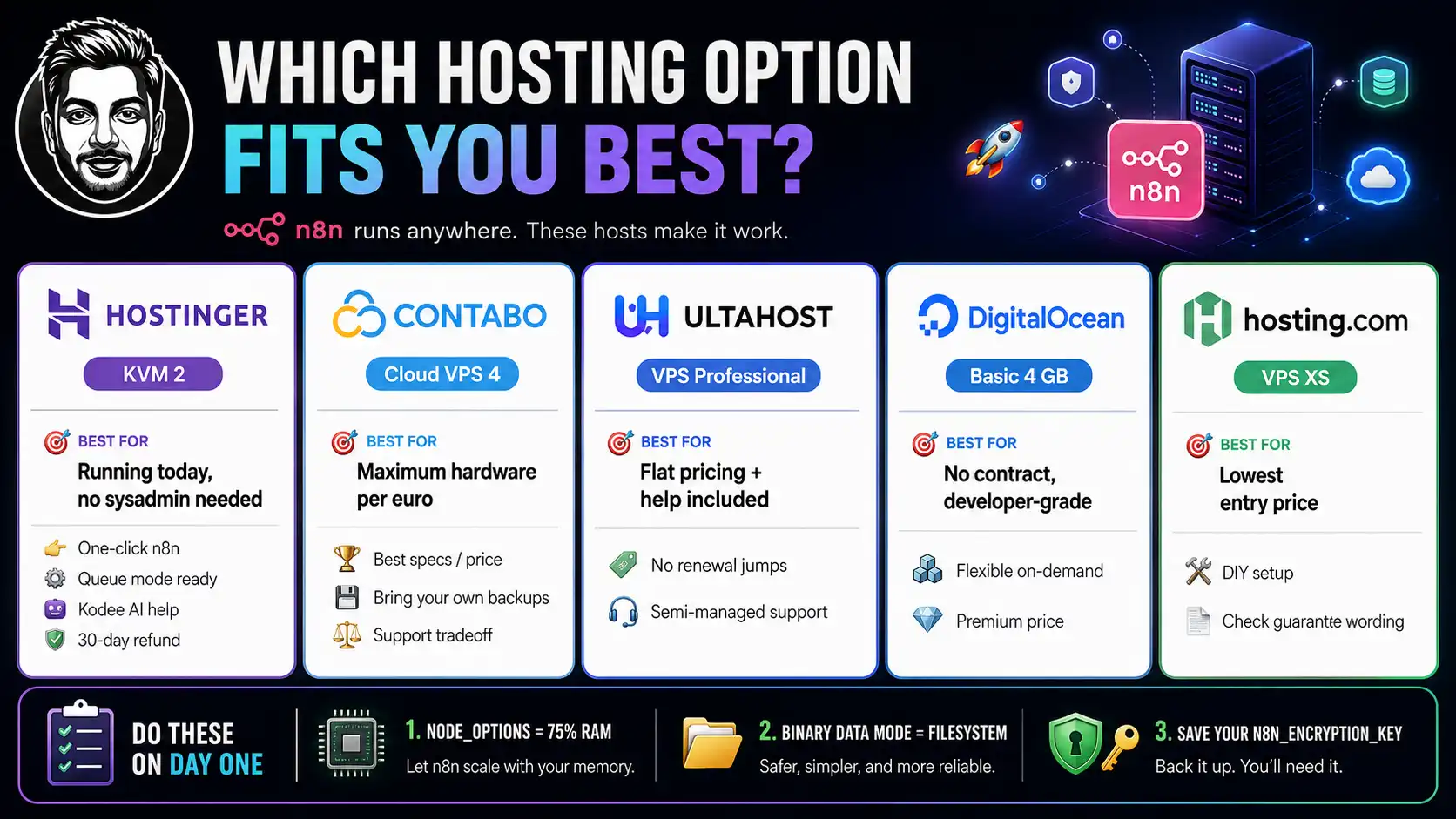
- You want n8n running today and you are not a sysadmin → Hostinger KVM 2. One click, queue mode available, Kodee to answer questions, 30 days to change your mind.
- You want maximum hardware per euro and you own your own backups → Contabo Cloud VPS 4. Best spec sheet here. Accept the support tradeoff knowingly.
- You hate renewal price jumps and want somebody to help → UltaHost VPS Professional. Flat pricing, semi-managed support.
- You want no contract and developer-grade infrastructure → DigitalOcean Basic 4 GB. Pay the premium, keep the flexibility.
- You want the absolute lowest entry price and will do the setup → Hosting.com VPS XS. Read the guarantee wording first.
And whatever you buy, do three things on day one. Set NODE_OPTIONS=–max-old-space-size to 75% of your RAM. Set N8N_DEFAULT_BINARY_DATA_MODE=filesystem. Save your N8N_ENCRYPTION_KEY somewhere safe, because if you lose it, every stored credential on that instance is gone permanently.
Ready to run n8n on your own server?
Apply coupon AFFMAVEN10 for 10% off any VPS plan, on top of the current sale. Pick KVM 2 for production, KVM 1 if you are still learning. Thirty-day money-back guarantee, so the only thing you risk is an afternoon.
The Final Word
n8n is now a $5.2 billion company after SAP’s strategic investment in May 2026, with roughly 190,000 GitHub stars, 1.7 million monthly active builders and 1,864 integrations. This is not a hobby project you are betting on. It is infrastructure.
Which is exactly why the hosting decision deserves more thought than the cheapest row in a comparison table. You are not buying gigabytes. You are buying the probability that your automations are still running in eighteen months, and the number of evenings you spend in a terminal instead of building.
For two years of running this at real volume across our properties, Hostinger has given us the best version of that trade. Not because it is the cheapest number on the page — Contabo and Hosting.com both beat it there — but because it is the cheapest once you count the hours, and because when something breaks there is somebody to ask.
Start with KVM 2. If you outgrow it, KVM 4 is one click away and your data comes with you.

Aliakbar Fakhri
The founder of AFFINCO
Affiliate Disclosure: This post may contain some affiliate links, which means we may receive a commission if you purchase something that we recommend at no additional cost for you (none whatsoever!)
Similar Posts







About the author:
Aliakbar Fakhri
Founder & CEO of AFFiNCO
I’m Ali, Founder of AFFiNCO, with 15+ years in SEO, paid ads and affiliate marketing.
I run 65+ sites of my own, so every strategy on this blog was tested on my money before it reached you. No guru fluff. Just what actually works.